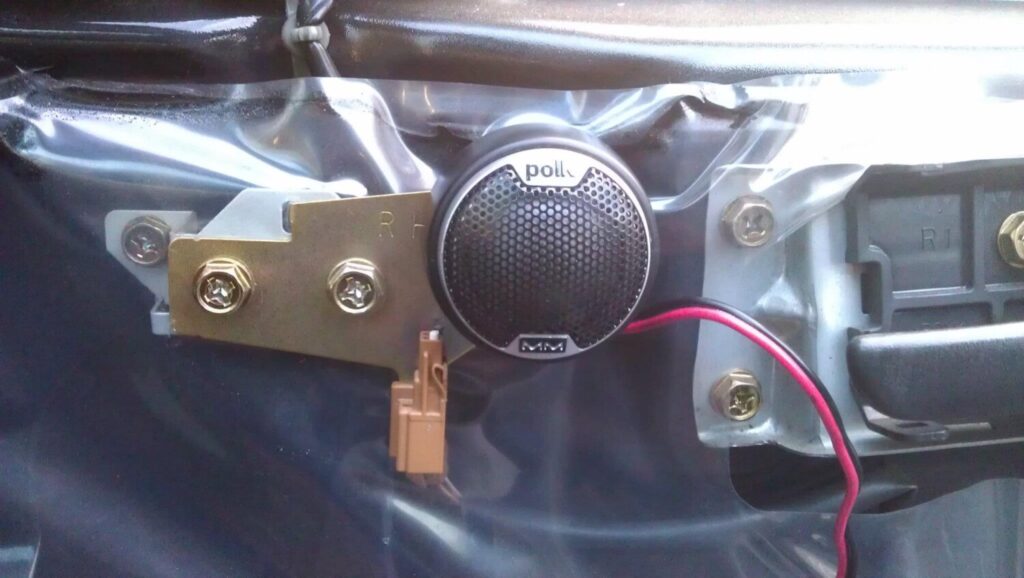
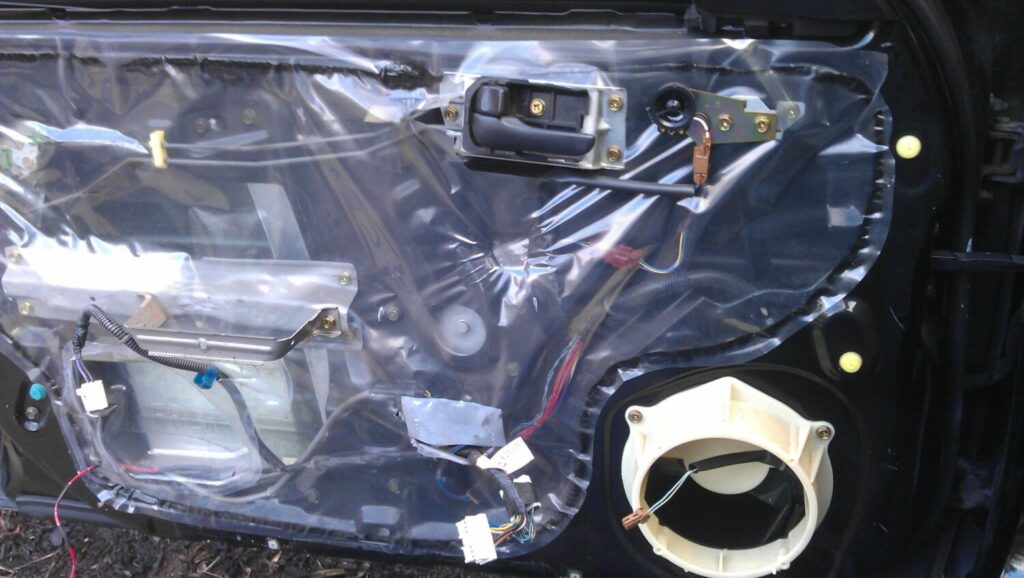
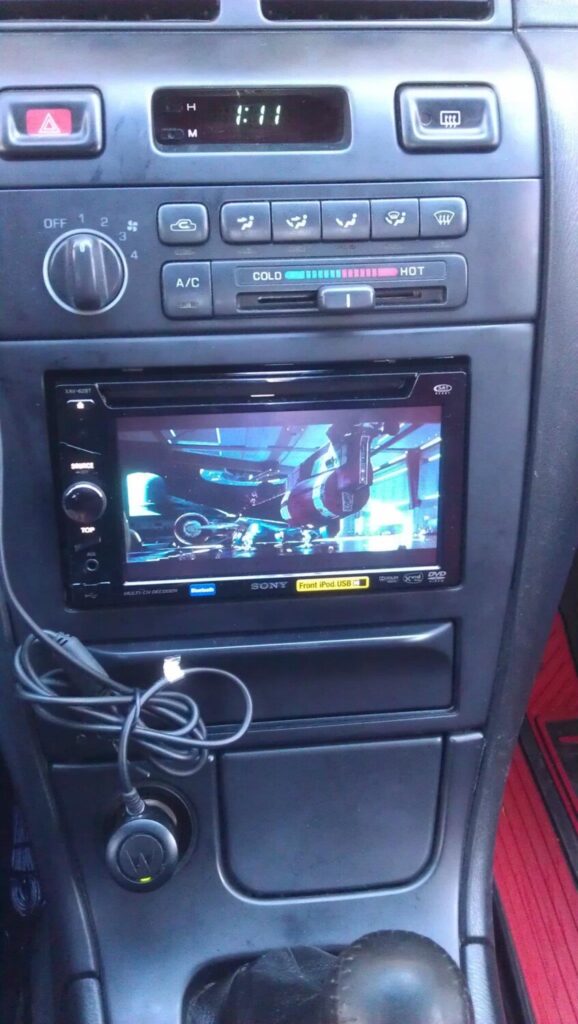
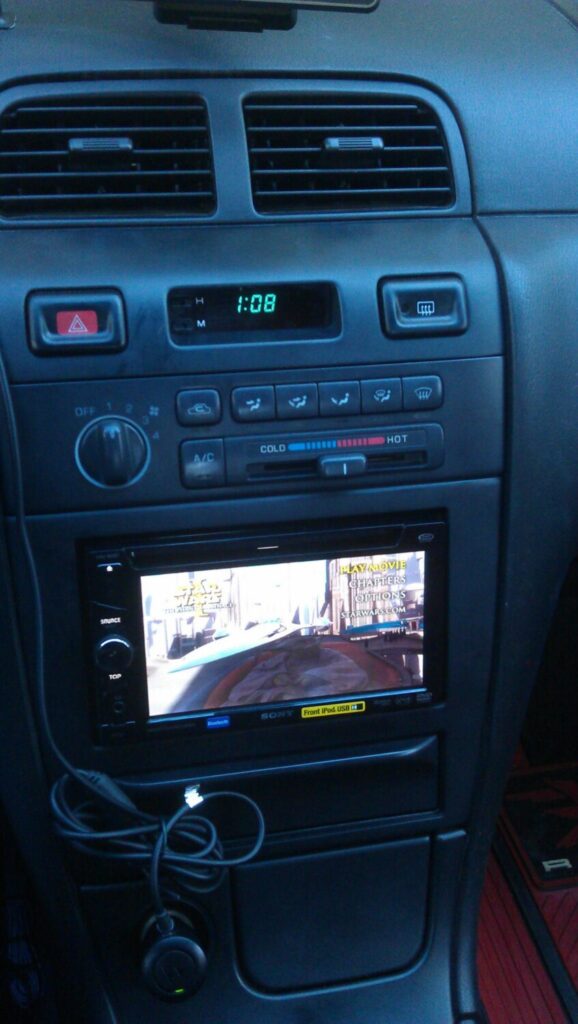
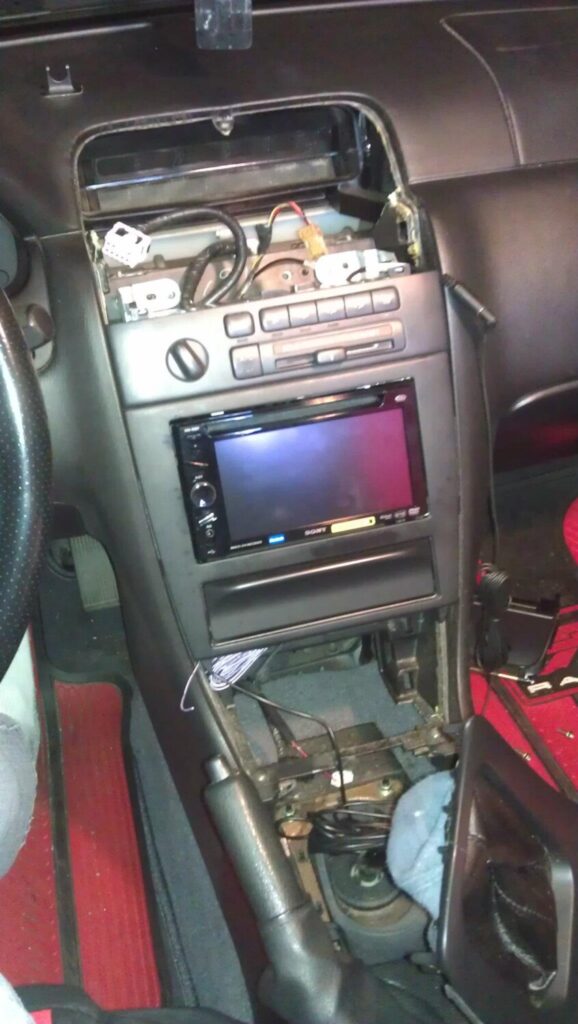
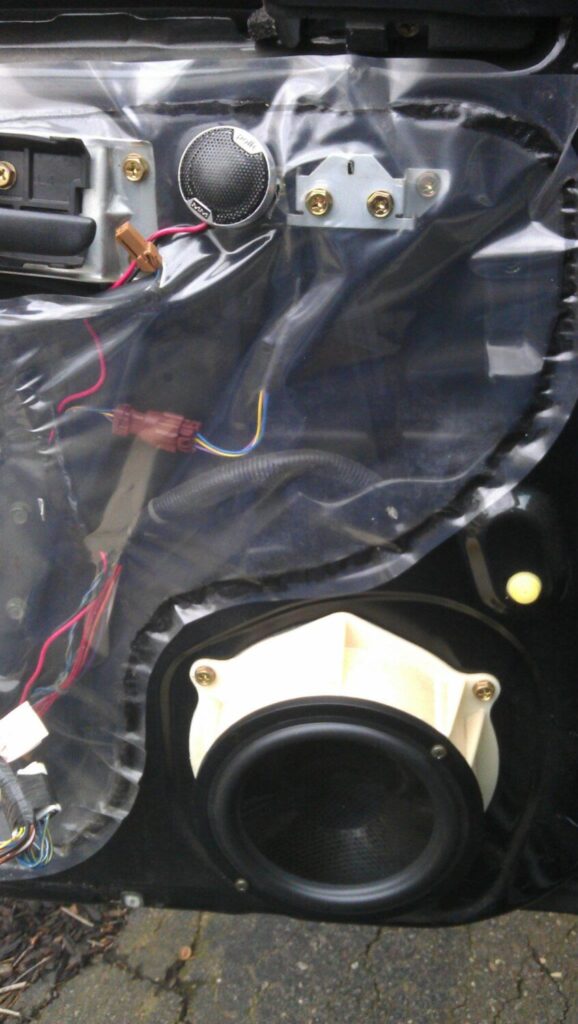
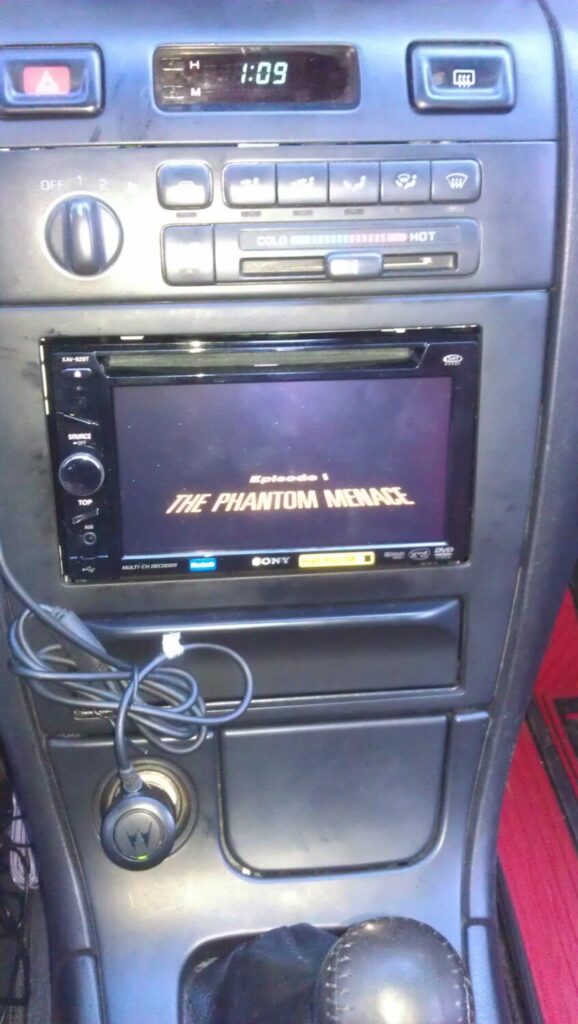
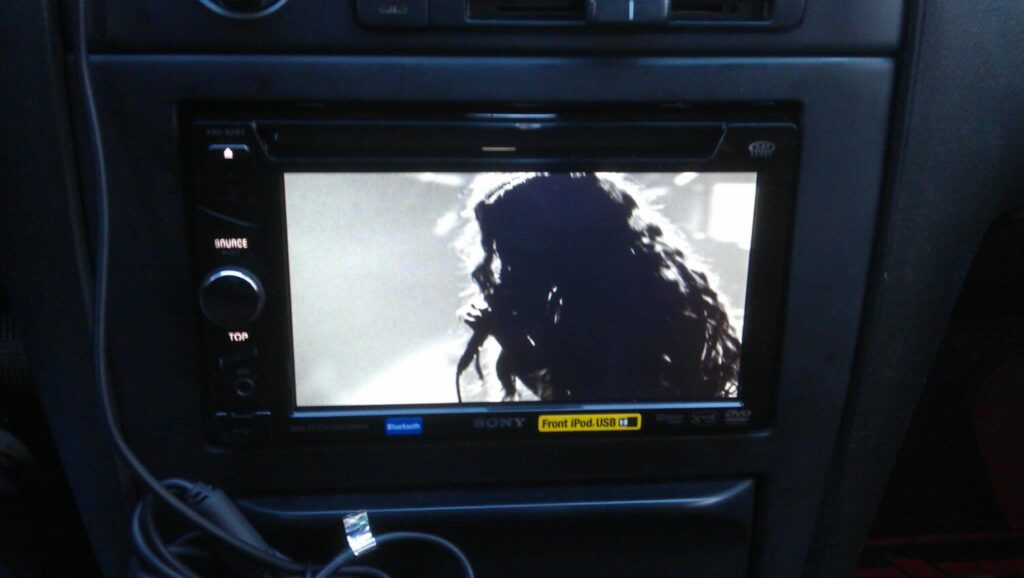
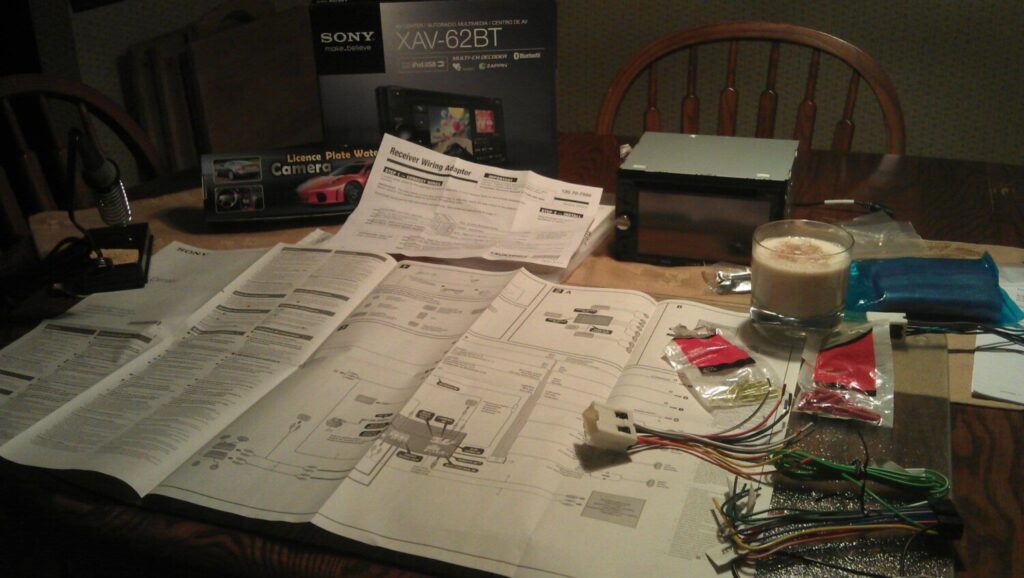
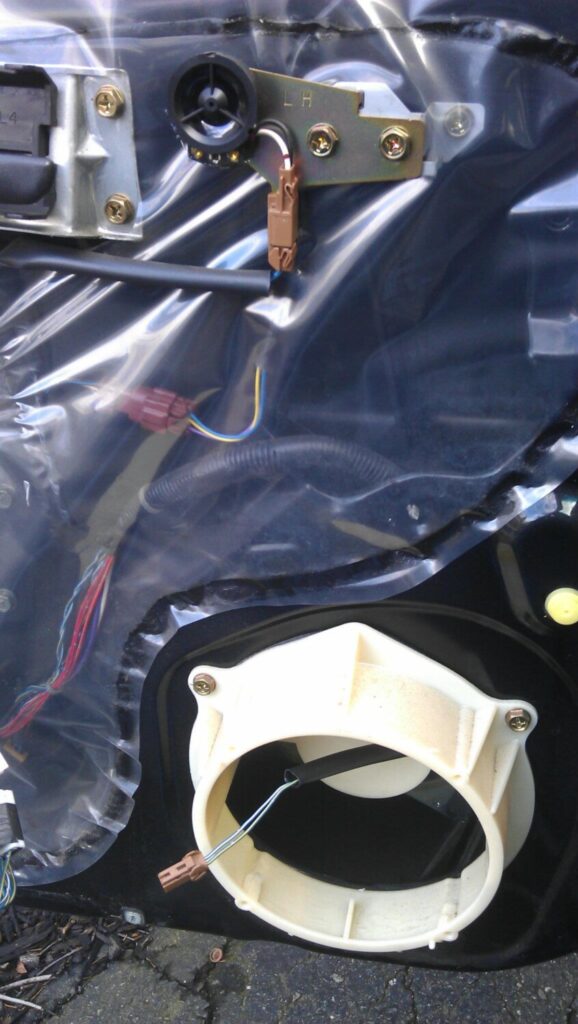
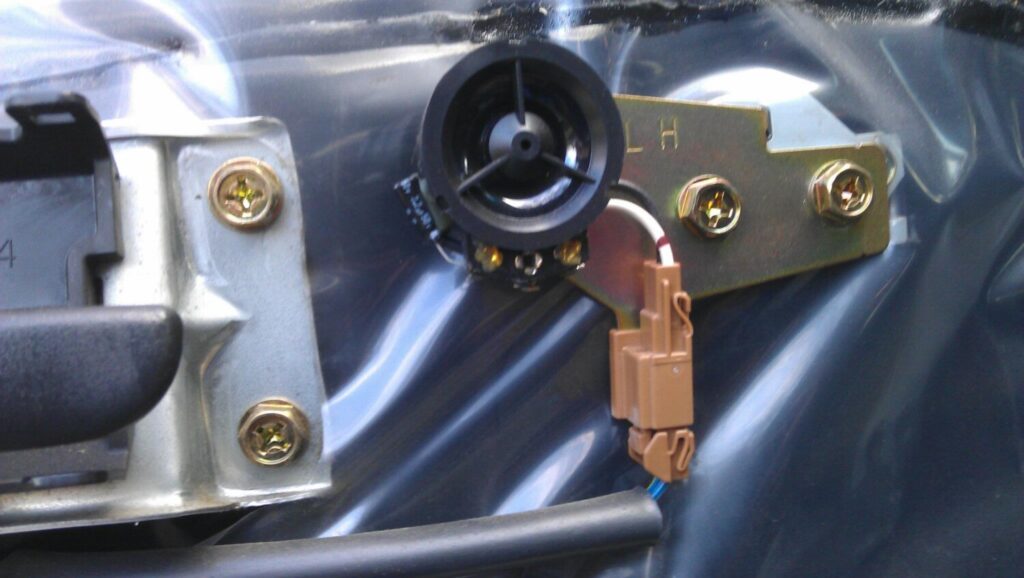
Credit: Gerson Hernandz
Order Link: https://www.ebay.com/itm/303272016260




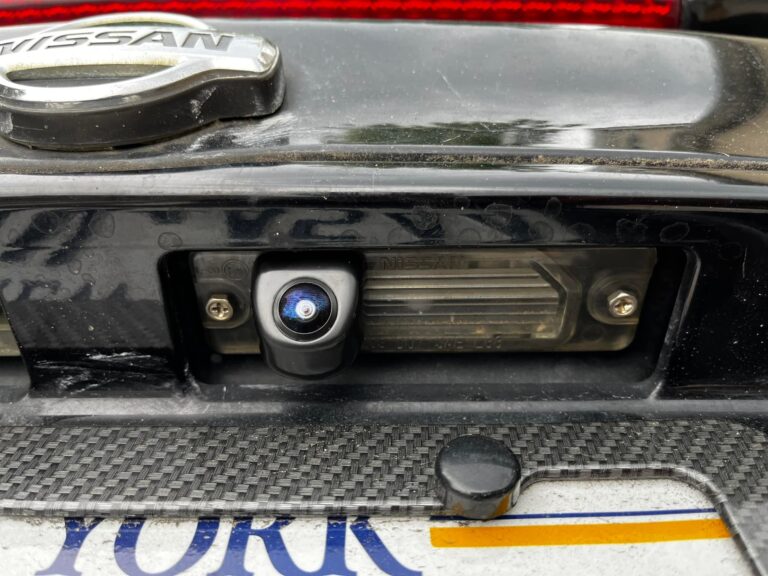
Credits: Jose Vargas / Jon Jainarine
Order Link: https://www.amazon.com/dp/B07H852D49
Price: $33.99
Notes:

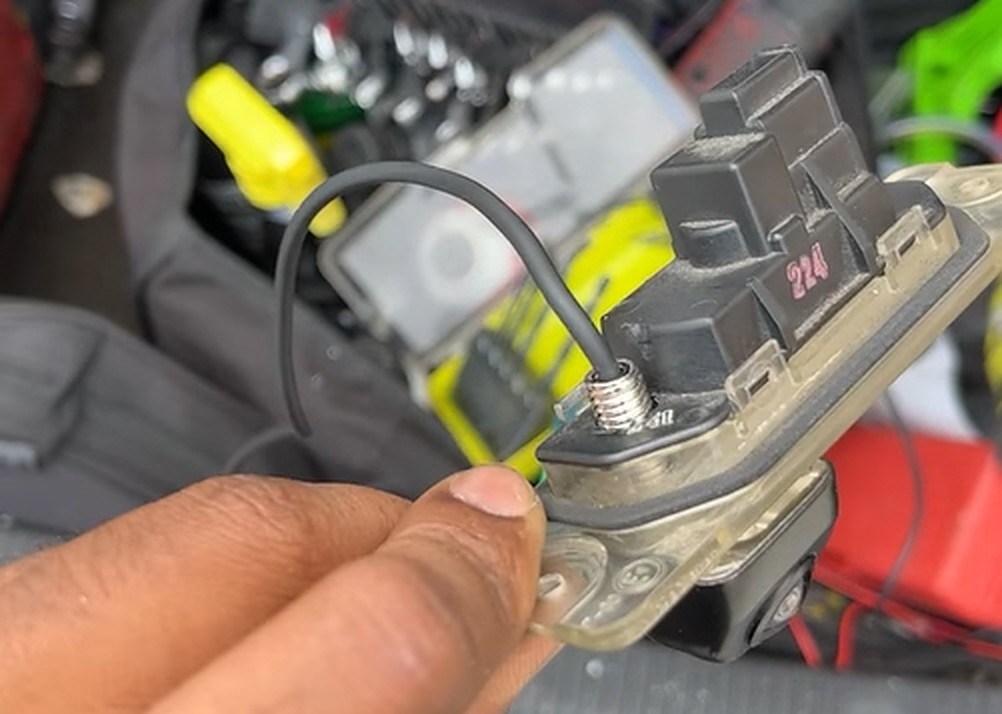
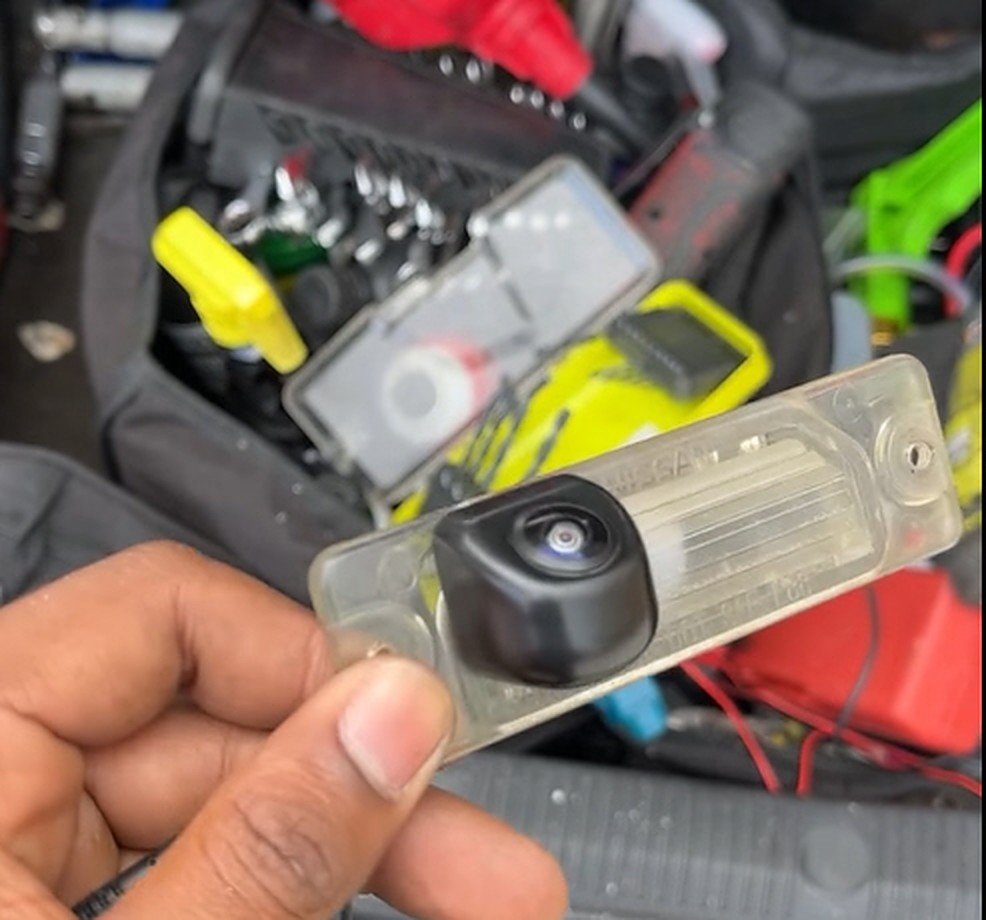
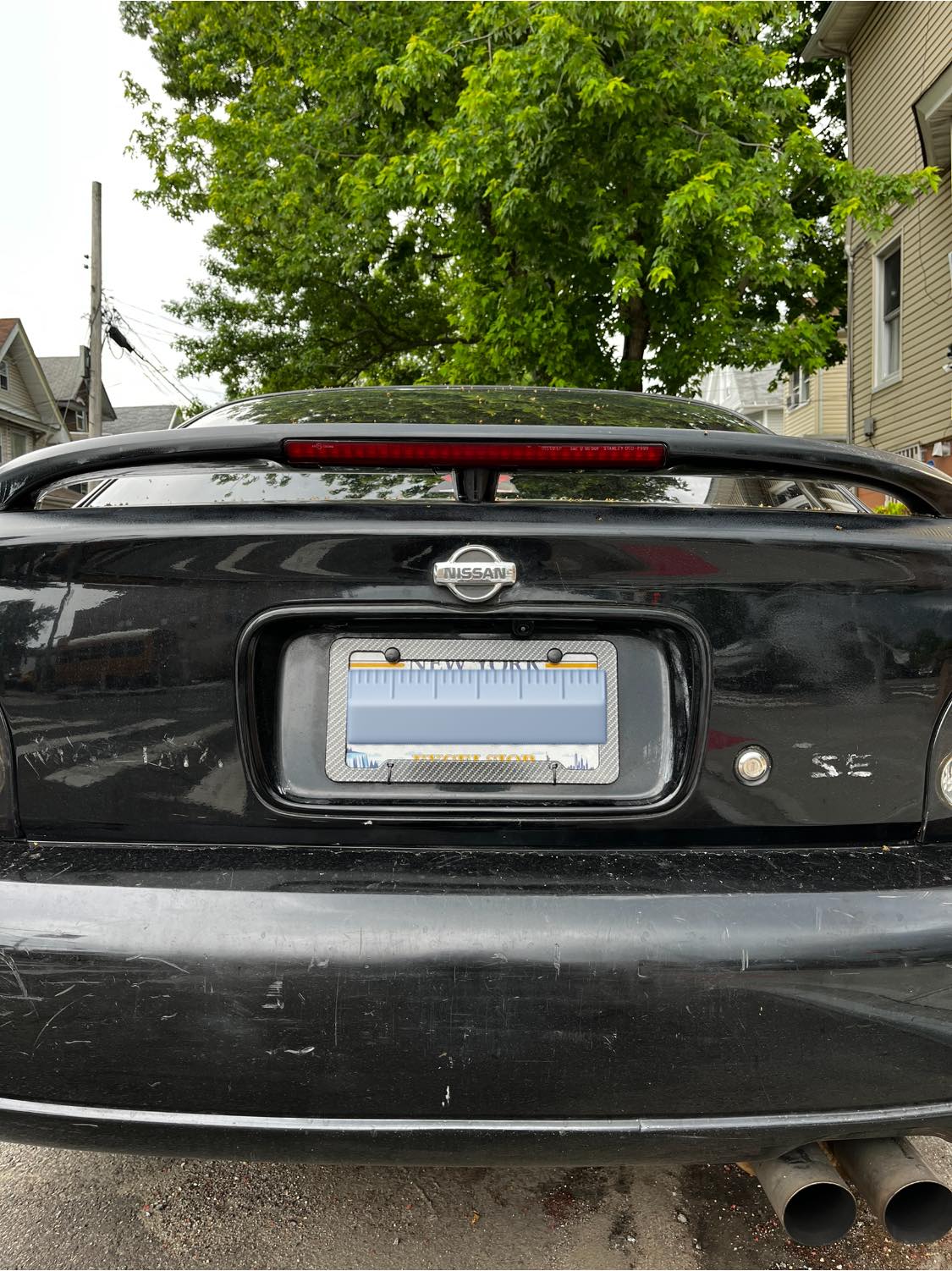
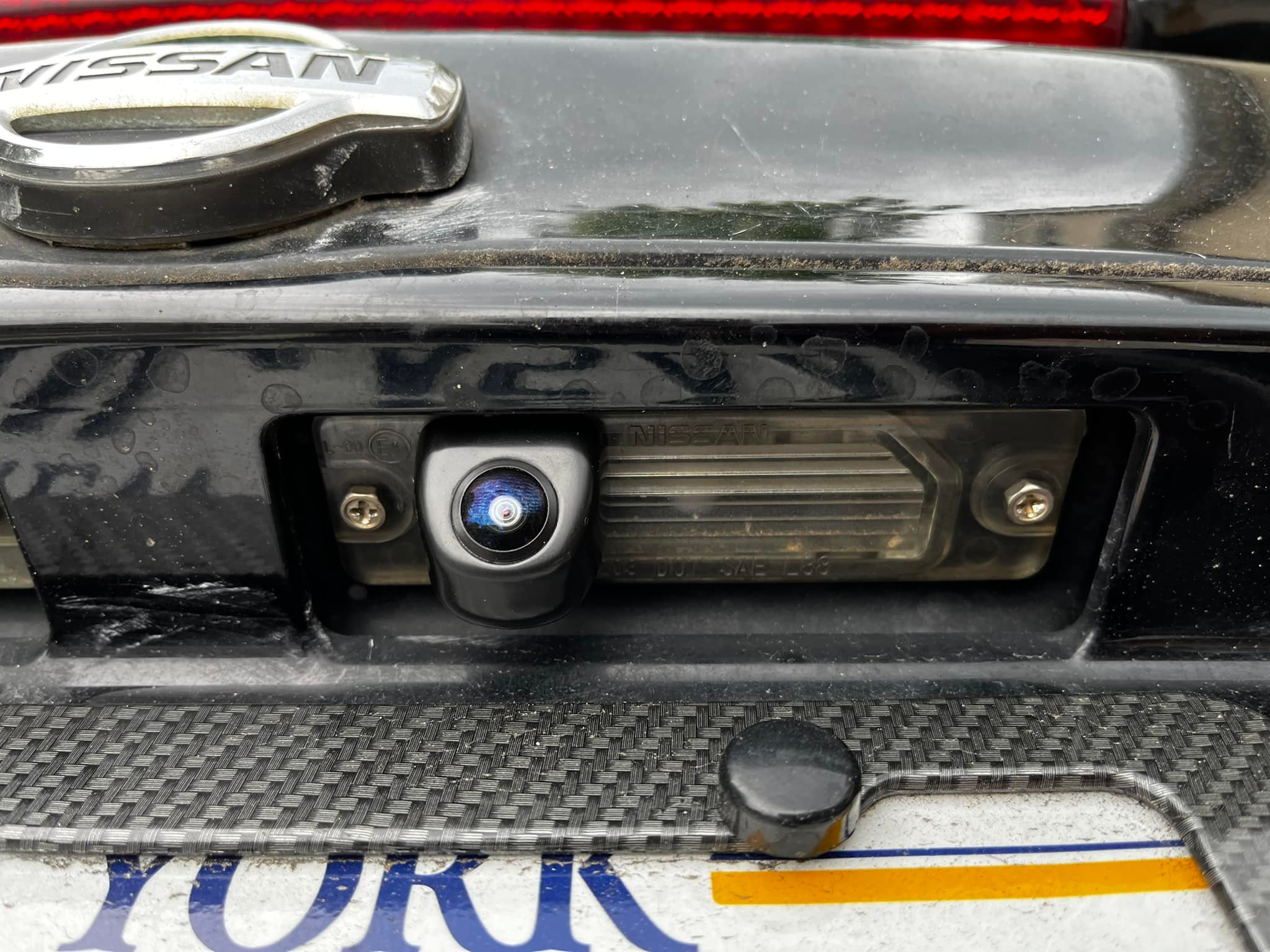

Community Member Credit: Eddy
Nissan and Infiniti engineered their cars to be able to detect and sense when the vehicle is either in PARK or NEUTRAL. This is very important when installing a remote start system in your manual transmission Nissan Maxima or Infiniti to avoid the vehicle staring in gear (and causing an unwanted accident). Many folks (even longtime professional installers) do not know about this and therefore do not install remote start systems on manual cars. This is actually very straight-forward to do.
Please note that the below is for the part where you tap into the Neutral Safety Input on your Remote start unit. You still have to follow the normal directions of installing the alarm or remote start unit.
When the car is in Park or Neutral, the ECU will see 0-volts. If not at 0, the car will not start. You can easily test this with a multi-meter to confirm as we did. The ECU gets its signal from the Park Neutral Safety switch. It also goes by the name Neutral Safety Switch or Inhibitor switch (they essentially work the same).
The Neutral Safety Switch Wire is usually GREEN/ORANGE on Automatic cars, and GREEN/WHITE on 5/6-Speed Manual cars. You just basically tap into this wire and use it to connect to the Neutral Safety Switch Input on your remote start. Most DEI, Viper, Compustar Remote Start and Alarm systems have this. Once this is done, you will now be able to operate your remote start no different than how it’s down on Automatic Transmission cars. It’s very safe and reliable as the signal is coming from the ECU.
NSS Wire – Neutral Safety Switch – Green w/ White Strip – ECM PIN 22

NSS Wire – Neutral Safety Switch – Green w/ White Strip – ECM PIN 44

NSS Wire – Neutral Safety Switch – Green w/ White Strip – ECM PIN 102

NSS Wire – Neutral Safety Switch – Green w/ White Strip – ECM PIN 102 (Same as 6thgen Maxima)
1998 Nissan Maxima
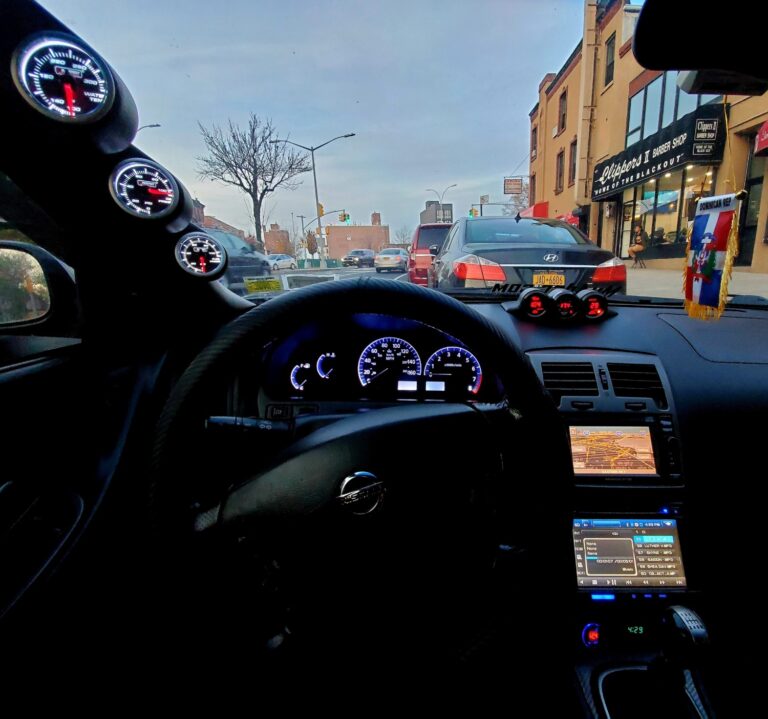
Reference photos of 5thgens that come with a factory navigation system.

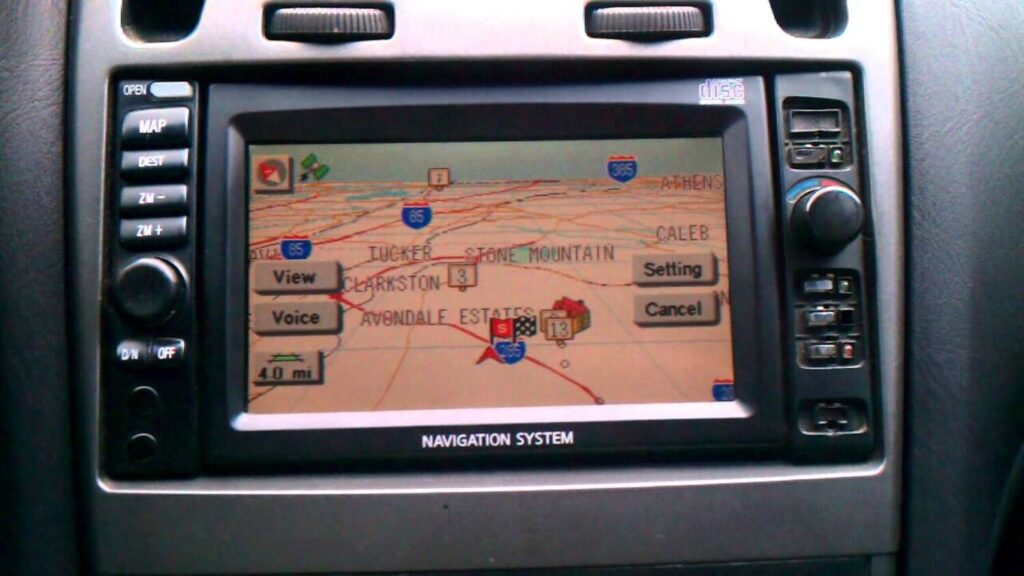


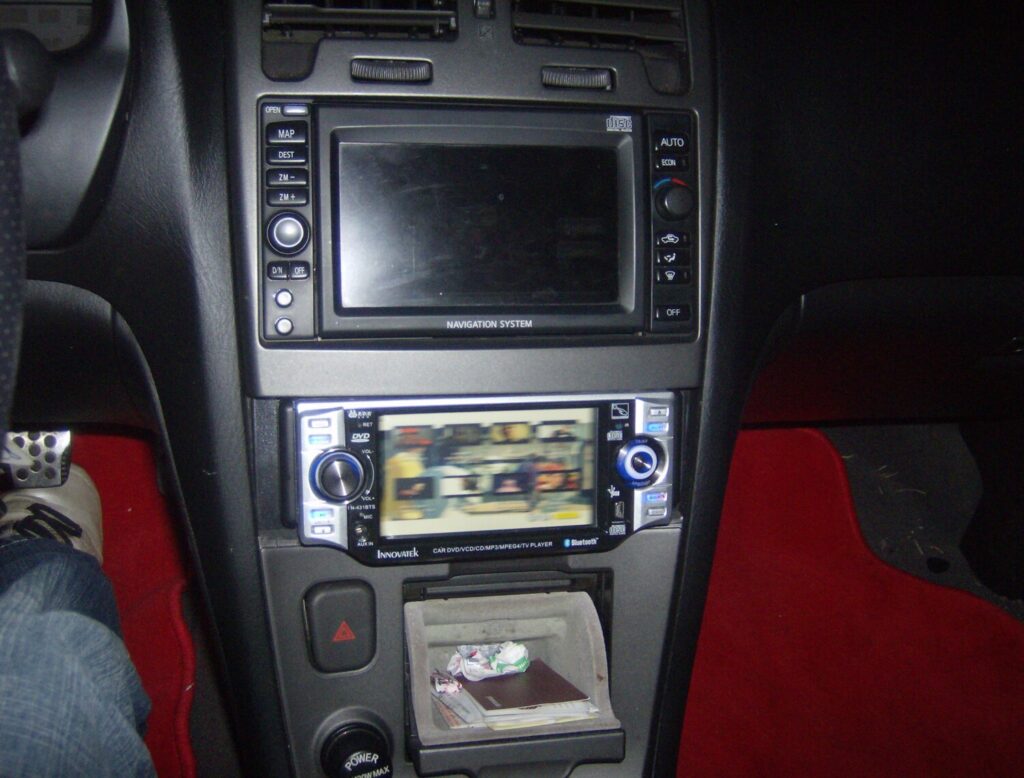

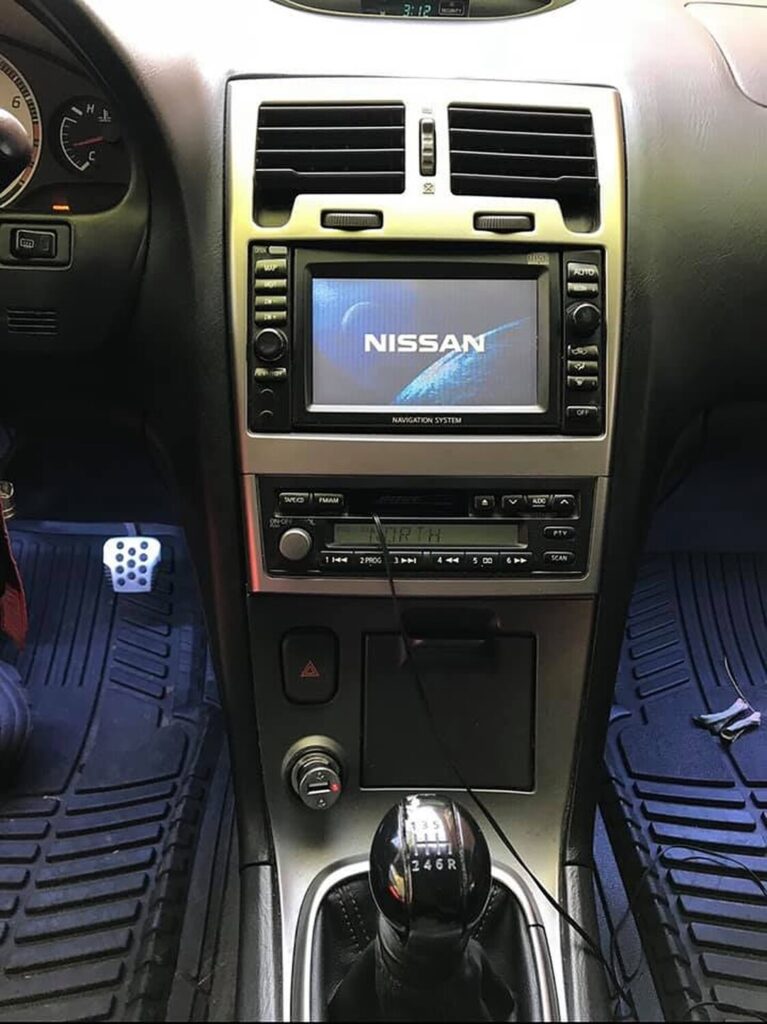
It is very common to see the buttons below missing. Here is what they are for reference.

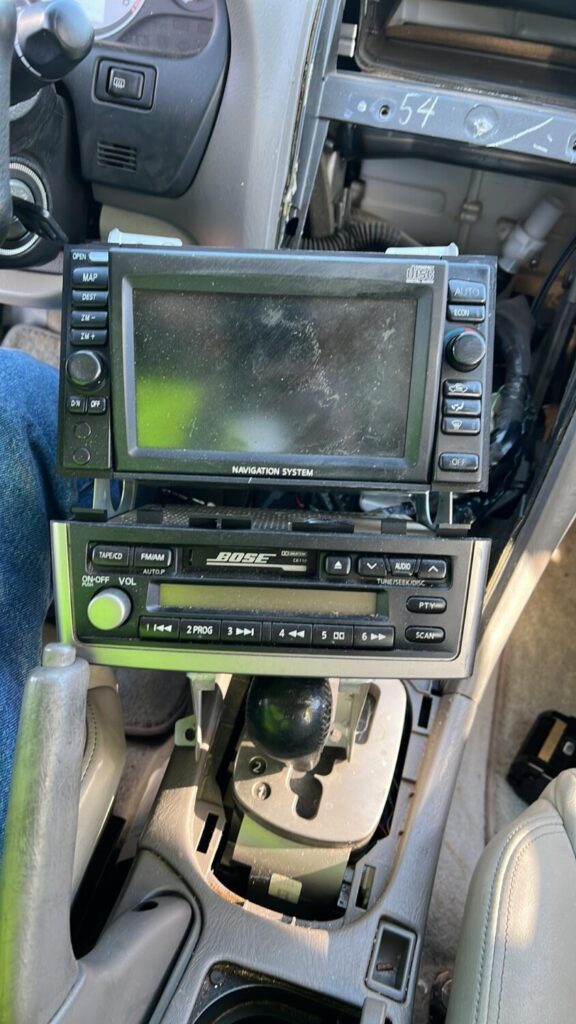

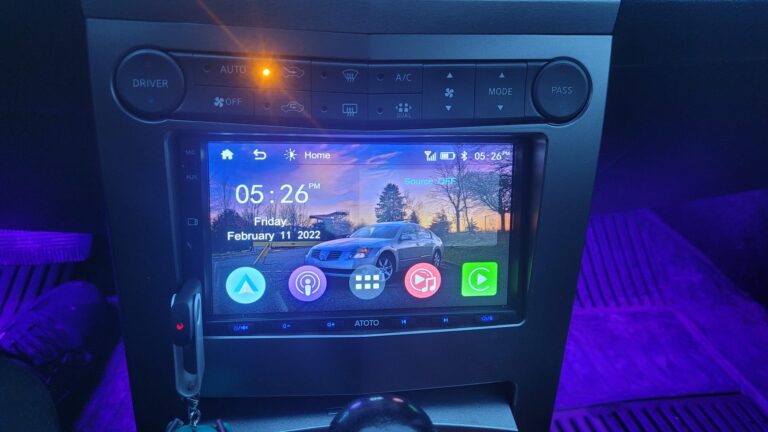
Community Member Credit: Jesse S Williams
Model: ATOTO F7
Description: ATOTO F7 Double-DIN Car Stereo, CarPlay & Android Auto, 7in Touchscreen in-Dash Navigation GPS, Mirrorlink, Phone Charge, Bluetooth, HD LRV Input with Backup Camera, Mic, Max 2TB SSD&512G SD


Community Member Credit: Richie Grazette
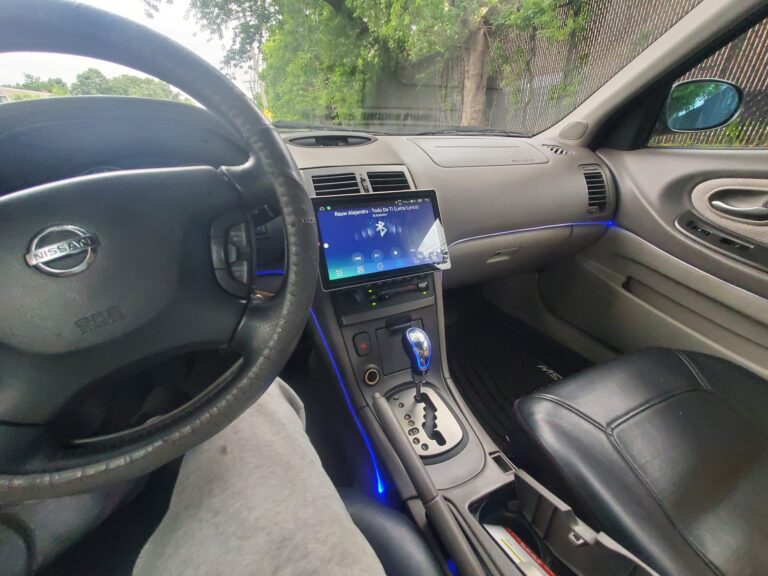
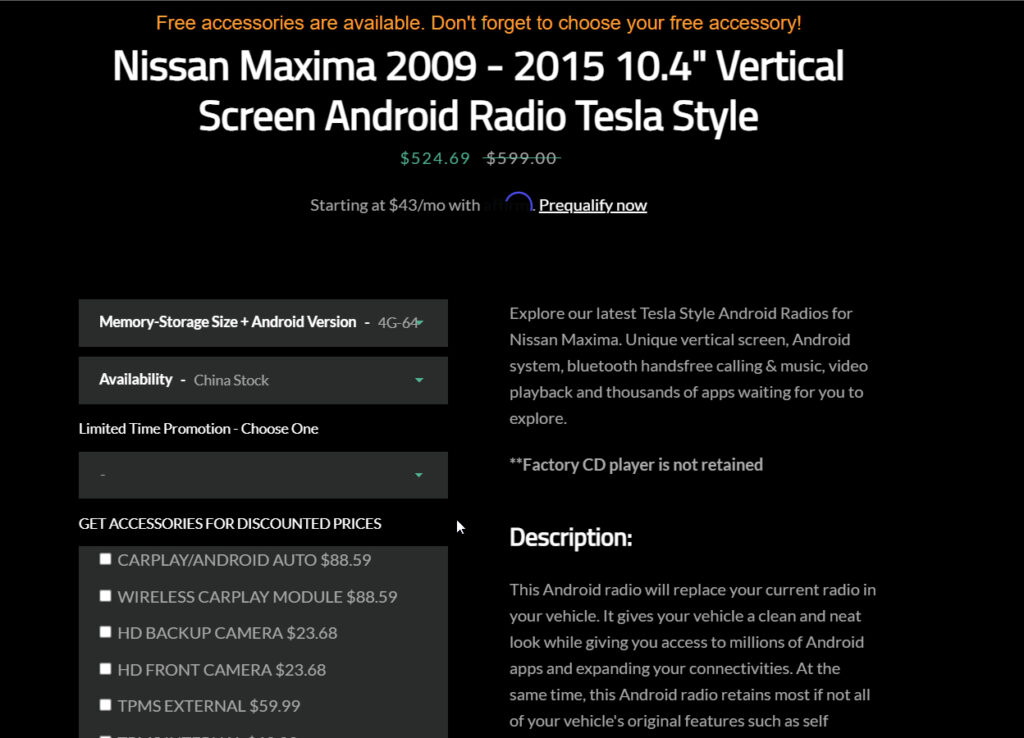
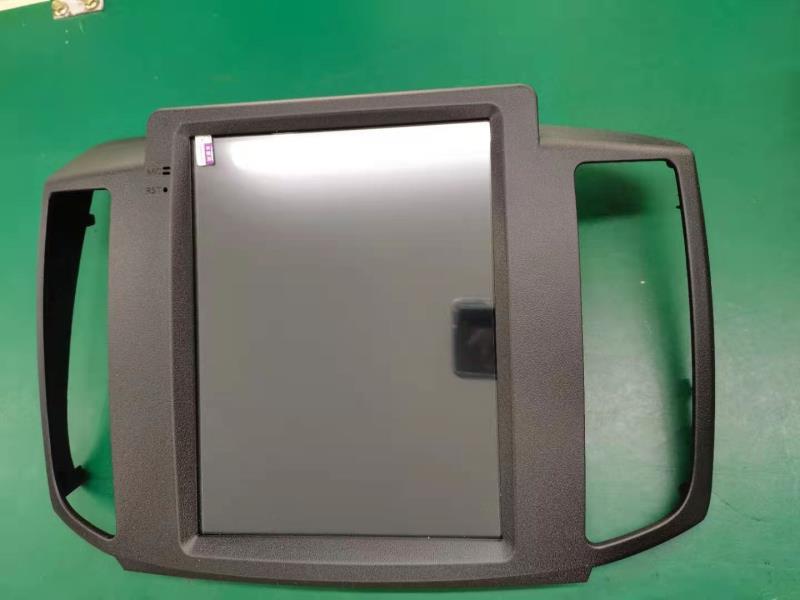
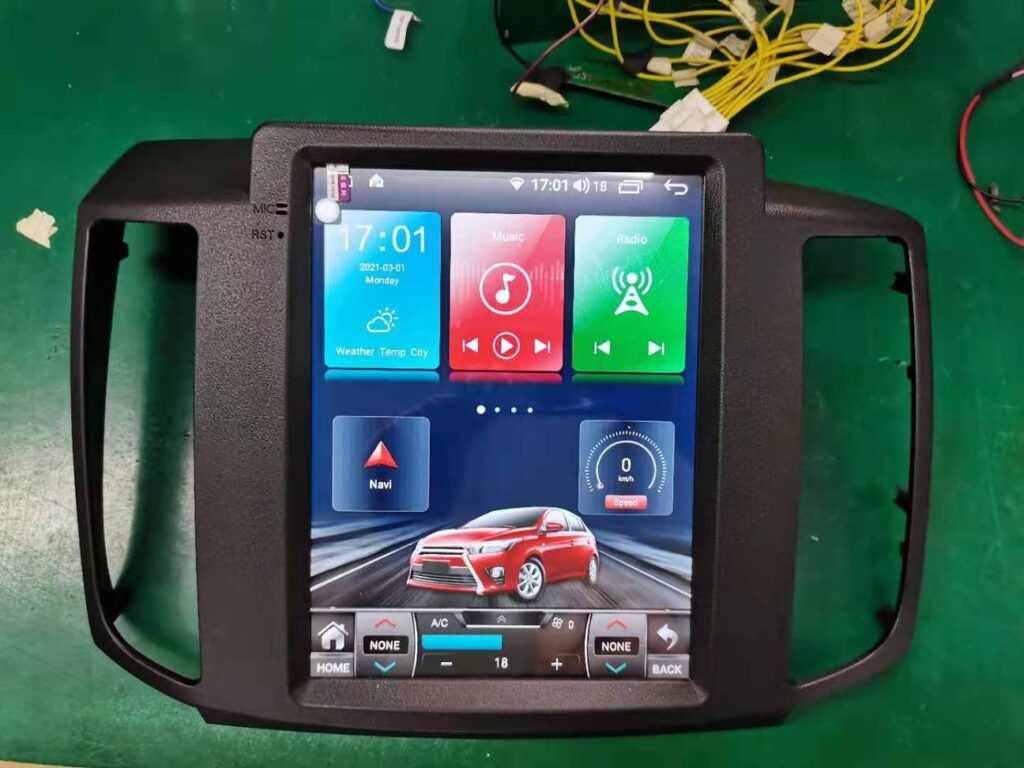
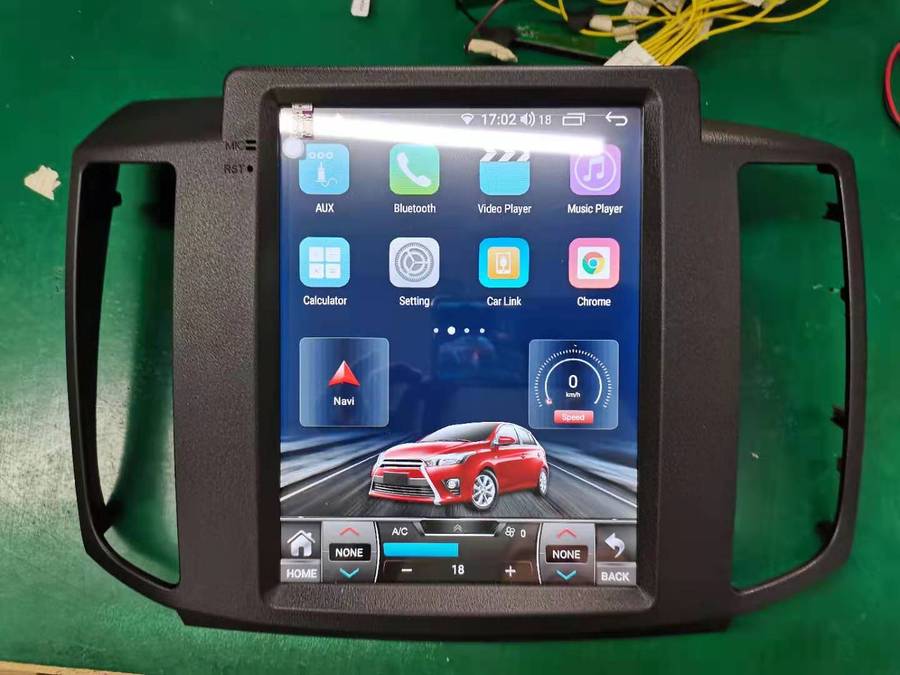
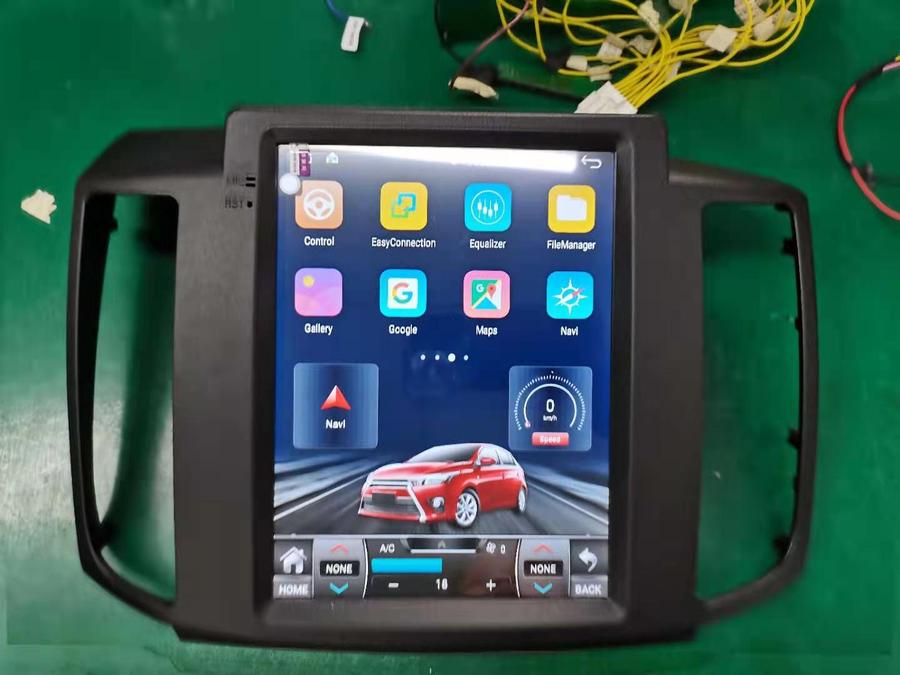
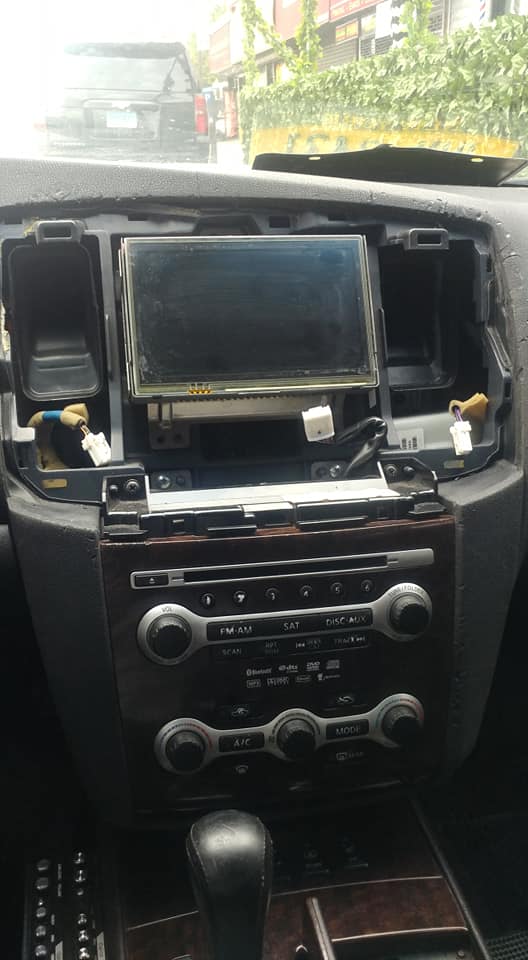
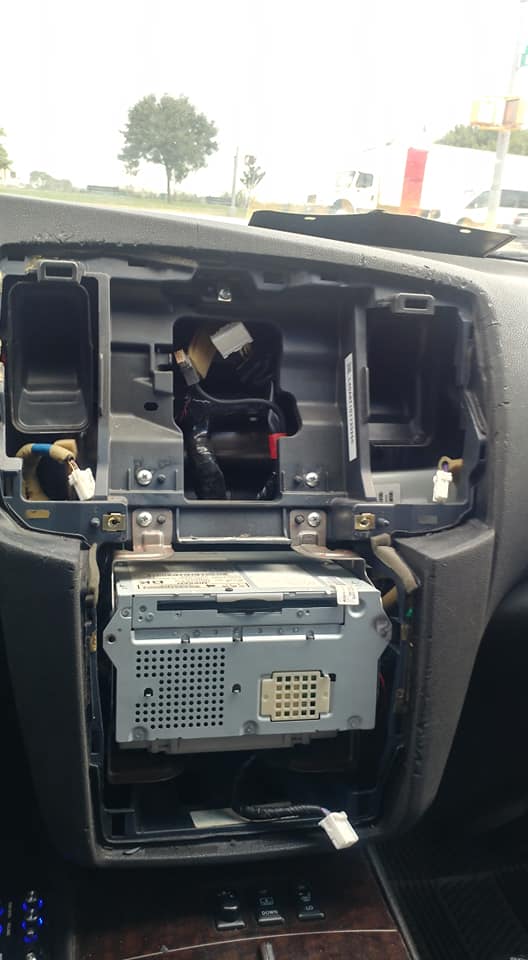
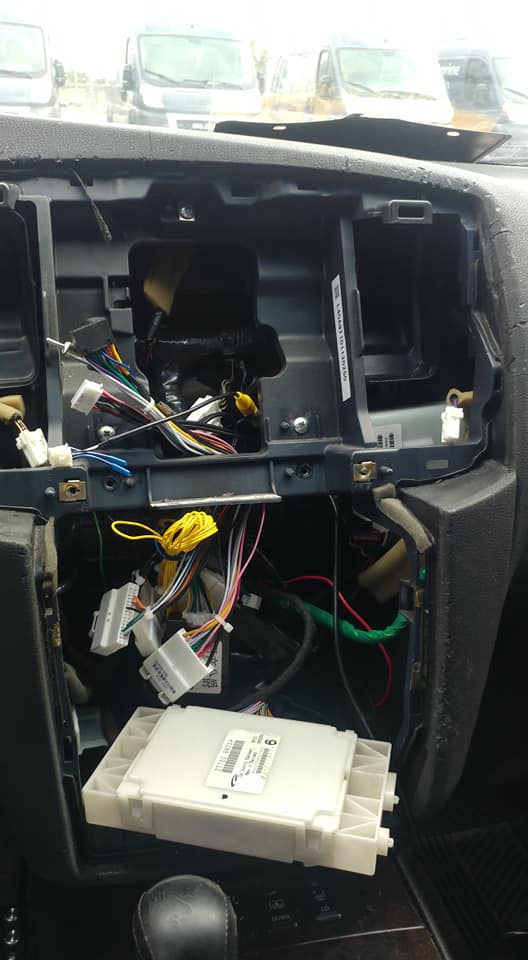
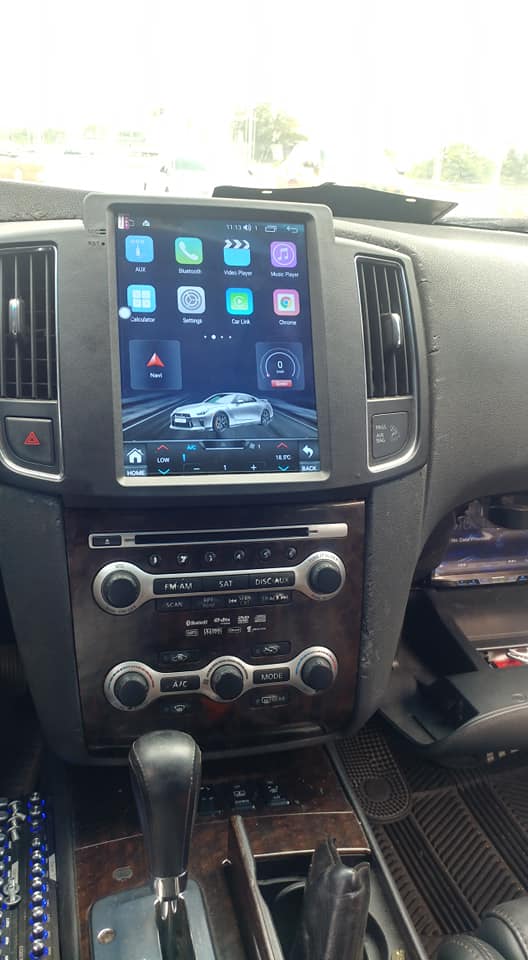
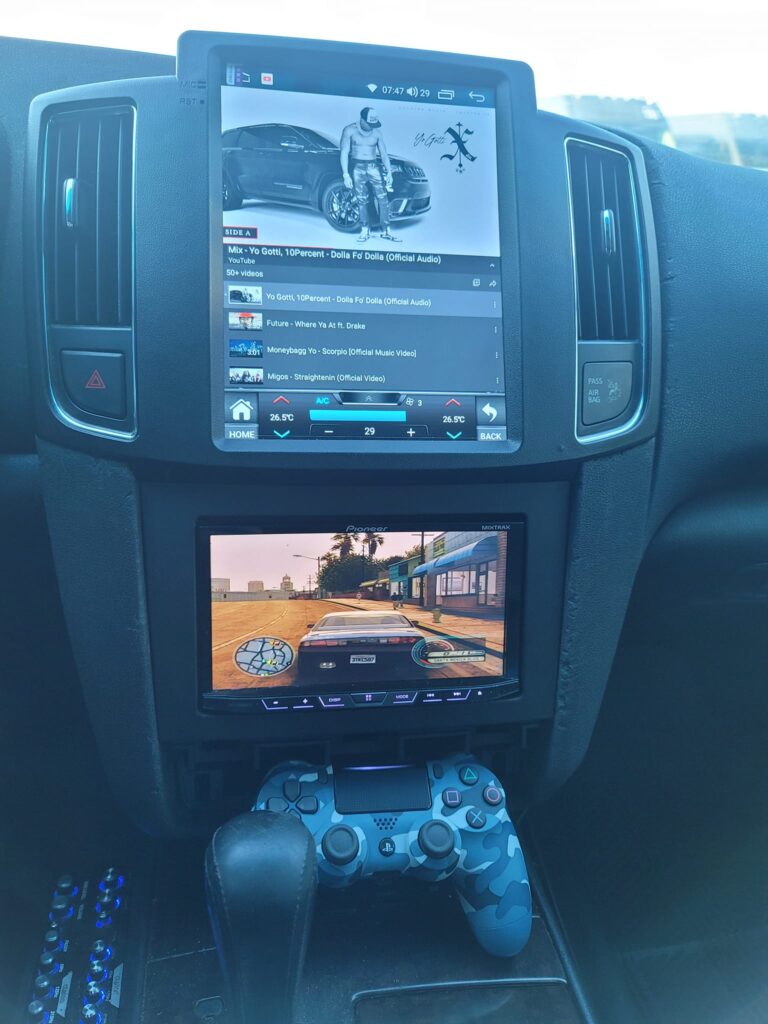
This Android radio will replace your current radio in your vehicle. It gives your vehicle a clean and neat look while giving you access to millions of Android apps and expanding your connectivities. At the same time, this Android radio retains most if not all of your vehicle’s original features such as self-parking and remote start. This Tesla style Android radio also serves as a platform for you to put on many add-ons to further expand your capability on the road. Some examples are HDTV, CarPlay & Android Auto module, portable DVD player, TPMS and more.
This Android radio is fully plug and play. It does not require any wiring or soldering. A set of complimentary Dash Removal Kit will be provided in the package.
Vehicle Information
AC and Heat
Community Member Credit: Rickey Lundstrom / awwwthentic
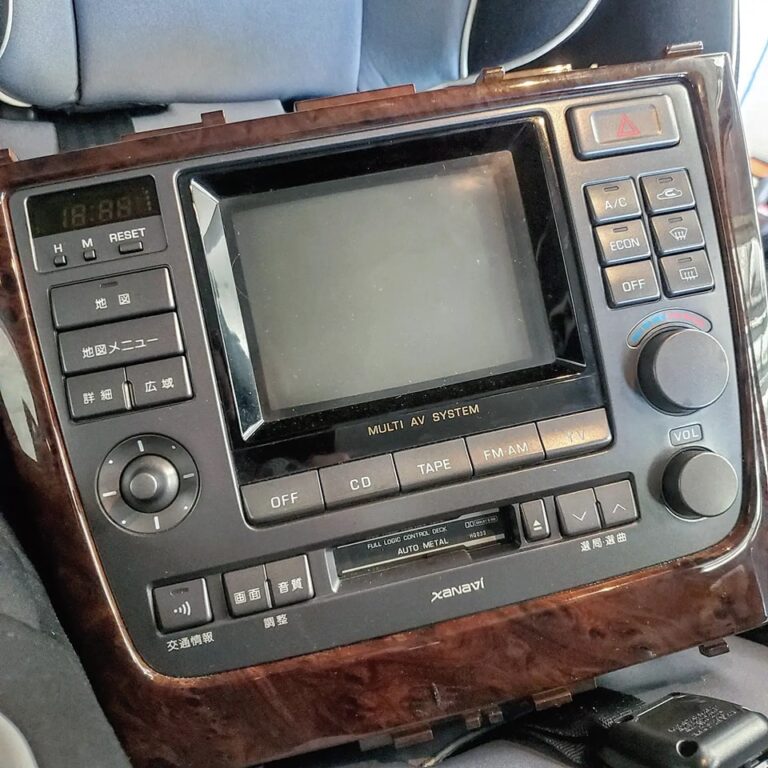
I have exciting information that will help you all that are trying to convert your multi AV into the regular AC controls so you can add in the double din stereo and have your ac controls still work. This reference will be from my 1996 Y33 Cima. I believe the same Y33 Cedric and Gloria’s are the same. But not entirely sure so you’ll have to look at yours to compare before trying this.
What a pain in the ## it was trying to find all the info and help (no help) from others. I asked many people about this since it wasn’t very clear in the instructions from Japan even after translating them. I finally found a cool dude Kevin O’Leary who helped me troubleshoot and find the right connectors. He had done it the super hard way and didn’t have the harness but was telling me which wires he used. Please give this man a follow on Instagram!! He deserves it!! My IG is @awwwthentic.
Keywords: Y33 Cima Cedric Gloria multi remove pon attaching air conditioner removal Harness


Credit: Luis Rafael Guerrero
Yes, you will lose the ability to adjust the AC if the screen goes out. Most will opt for a double din faceplate where the controls are independent from the infotainment system. They also have a harness that makes the double din faceplate largely plug & play. I have the exact same unit as the author in working order but want the ability to put in an aftermarket stereo. I sourced this from a Cedric as it will allow me to still use the rear air purifier. You can also use a regular Gloria one if you don’t care about the purifier. PM me if you want details on where to get yourself one.


Community Member Credit: Jason Cox
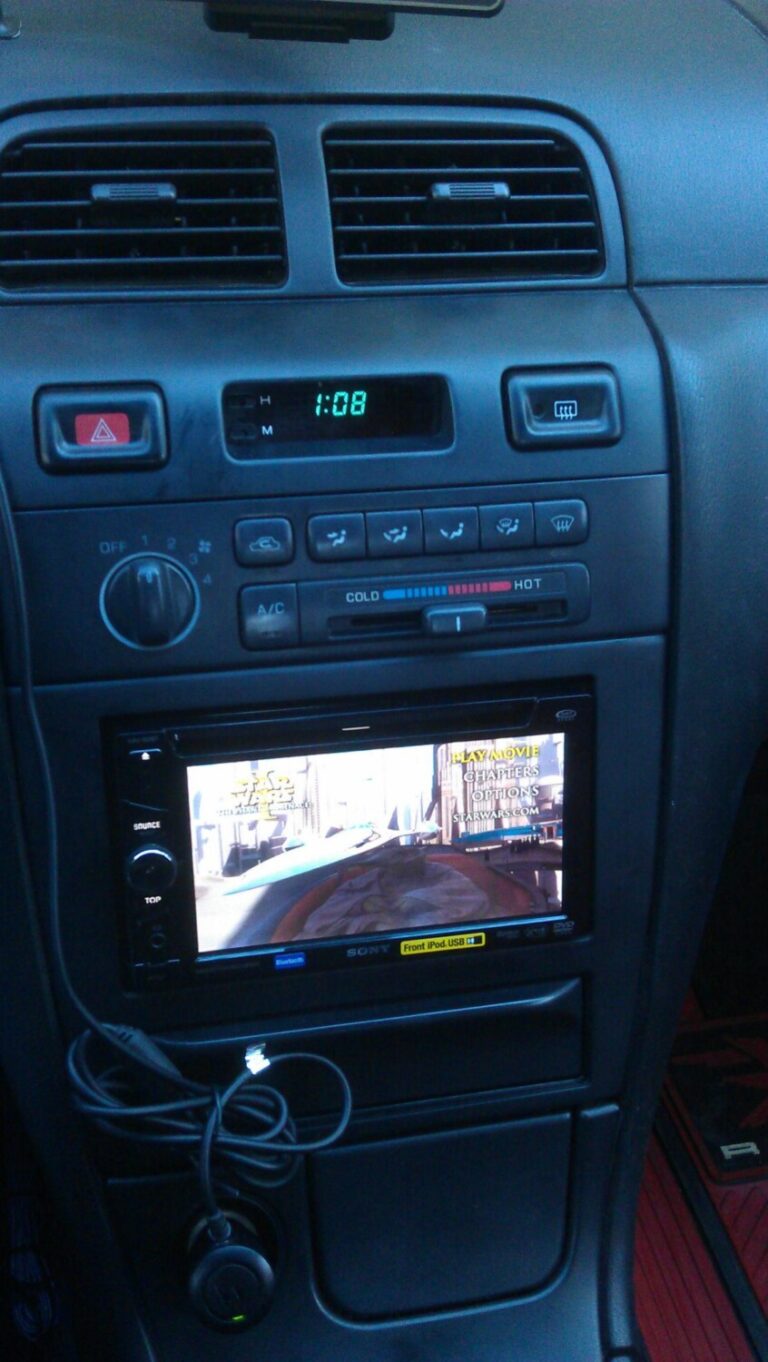
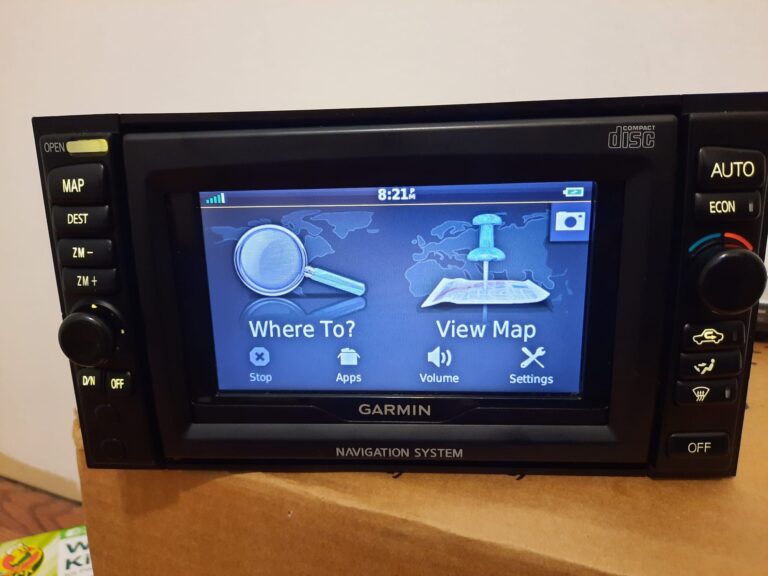
So I thought I’d use the factory Navigation unit that didn’t come in my 01 and make some use of it for the looks. I integrated my Garmin navi in place of the original touch screen, installed some of my own LED’s as well and it turned out better than I imagined. Given it’s more for looks than anything I wanted to use the factory Navi but didn’t want to rewire the A/C and everything and this was the easiest. Now just need to buy a single din and I’m set.