
Tag

Audio, Video & Electronics

Browsing

Credit: Shipwreck

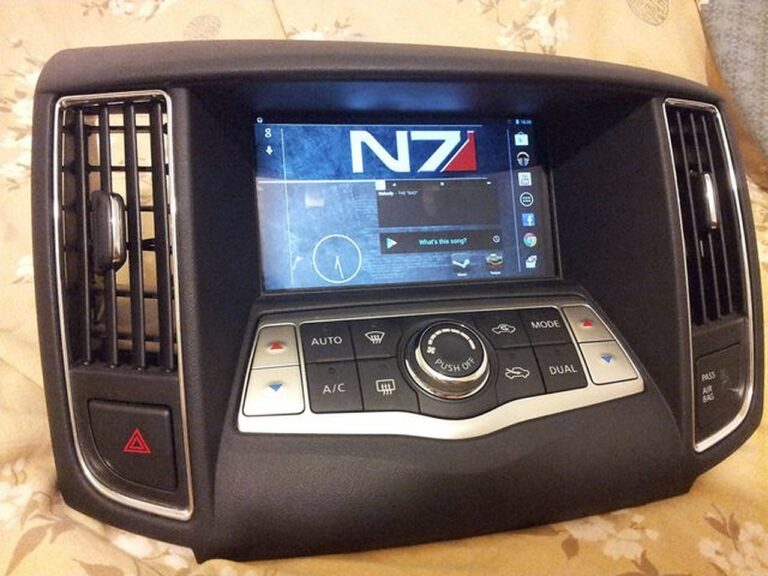
Finally got this done with the help of a friend who’s into car audio. The tablet project s still on hold. I’m too lazy to work with bondo . The hardest part was wiring the power line through the rubber grommet.

The power wire, w/fuse (AGU, 10amp), from battery to the cabin.

If you remember LVleo78’s Infinity Baselink II install, it’s almost no different with the exception of the lack of line-level converter and the wire in question which was the remote turn-on lead.

By the way, the “Procoat” box you see there was not purchased – the dealer just threw it in as a bonus. I doubt it actually works but who knows. Just never bothered to remove it.

Install was straight forward. Set up the wire from the battery w/fuse, run it through the grommet, along the side under the plastic trim. From there, it was finding a place to ground the wire from the sub and tapping the “subwoofers” in the rear deck to the high level inputs. Additionally, we tapped the Acc power wire from the subwoofer amp.

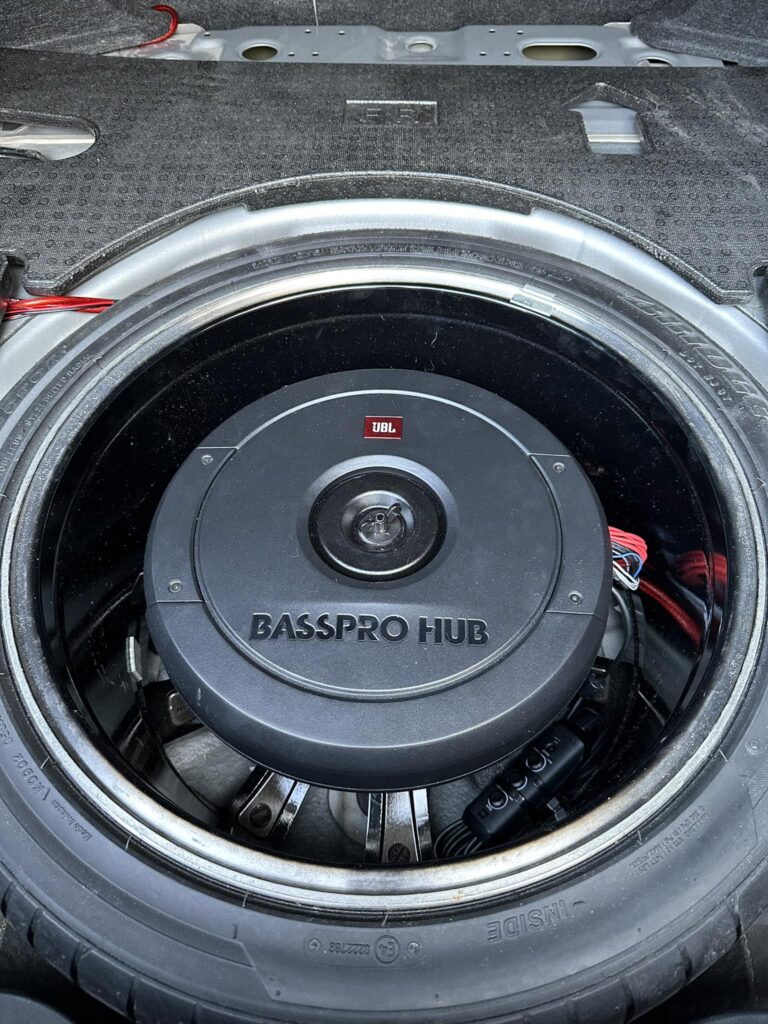
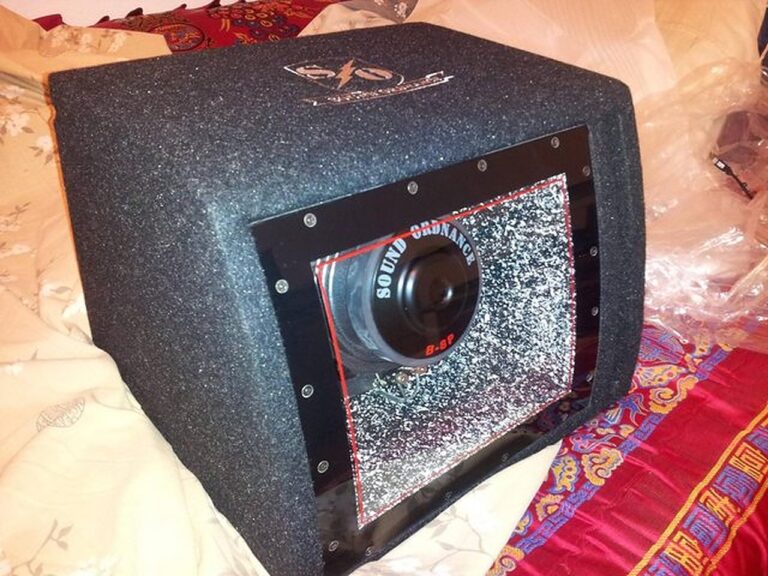
The sub installed is this, a Sound Ordnance B-8p

I bought the Boss 8 gauge amplifier kit online as well as some 10amp AGU fuses.

https://www.amazon.com/KIT-2-Complete-Gauge-Amplifier-Installation/dp/B000FKP7TY

Once the power was run along the side of the car and to the trunk area, behind the rear passenger seating, we focused on the remote turn-on and wiring from the factory subwoofers.

See the diagram below: The remote turn on wire we tapped into is #9 and was the color green, as indicated in the service manual. We tested this to make sure as well. If you do the same, make sure to double check. This is the wire connected to the harness going into the factory amp.

#9, ACC power, GREEN. (Not Blue, like on the the bose system).

Unfortunately, I didn’t take pictures of the grounding points. I selected a predrilled/pre-threaded hole that can be found underneath and behind the passenger seating and happened to have the right size/thread bolt to fit. The area and bolt were sanded to ensure better connection. When you take out the seats and carpet, you’ll see what I mean. The carpet/board covering the spare tire is also held in by two plastic pins toward the passenger seat end. Just pull them out slowly.

With the next picture, you’ll see the factory subwoofers were tapped directly at the subs. Next to the harness connection, there are tabs for positive and negative input with hook pins ready for solder. We tapped the lines from there to the high level inputs. I’ll try and get a better picture later (As I need to recrimp/solder better wires to them).

Anyway, that’s it for now. The sound is nice and hits pretty hard, although my friend said he would prefer it to be more glass shattering I’m loving it so far and it does well to fill some of that low end base. If/when I install a new header unit, I’ll definitely run the sub inputs from there.

Loading

Credit: marktab

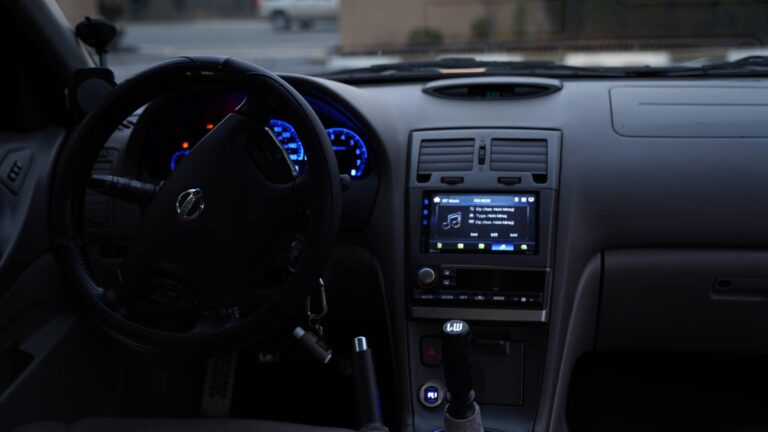
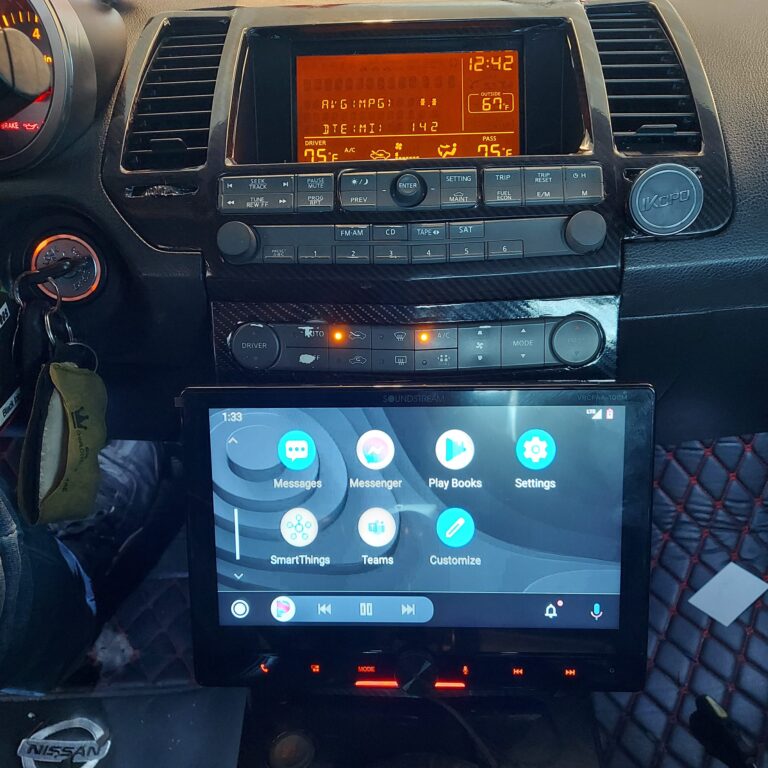
I previously had a Boss brand stereo, but had a few issues. First, there was a high-pitched hiss which never went away even though I put all types of grounds on the system and a filter on the audio. Second, that Boss stereo started to reset its own time. Third, sometimes the Boss stereo would change the channel (!) — seemed like the display screen was somehow stuck. Fourth, the volume always seemed low — and I had started to consider changing the speakers.

However, benefits of the new Pioneer stereo:

  1. The hiss is gone (still keeping the line filters on at the moment)
  2. Stereo has a better screen touch and overall layout
  3. Adds iPhone capability including mic for hands-free phone
  4. Volume is restored — way better than the Boss system ever was
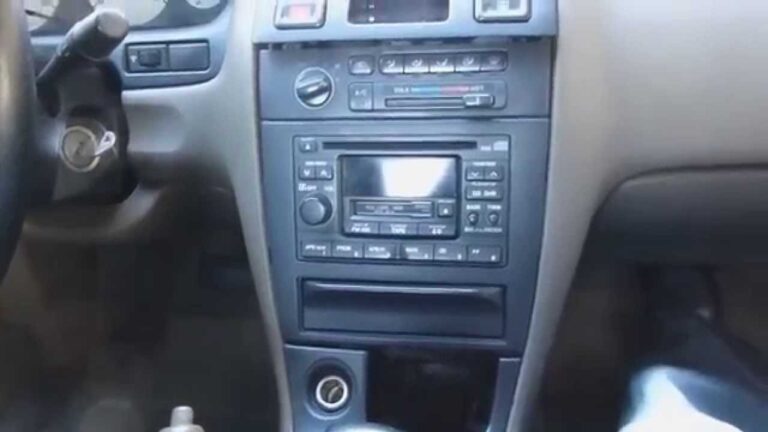
  5. The screw holes match better than the Boss unit — all six attachment screws matched the original Clarion/Bose head unit
  6. Llays DVDs

One installation note — my particular unit went off and on during the installation, and the issue was that the antenna connector to the stereo had to be bent a bit out so it made a solid contact with the connection tunnel.

Finally, some notes on the wiring:

  1. You may connect the blue/white to the blue — that connection makes the antenna go up while the stereo is on (radio or not) — but then when the unit is off, the antenna goes down
  2. You may connect the orange/white to the orange — that connection makes the unit brightness a bit dimmer if the parking lights or driving lights are on
  3. (This wiring picture is for Pioneer brand, only intended as a general guide)

Loading

Credit: kasemodz

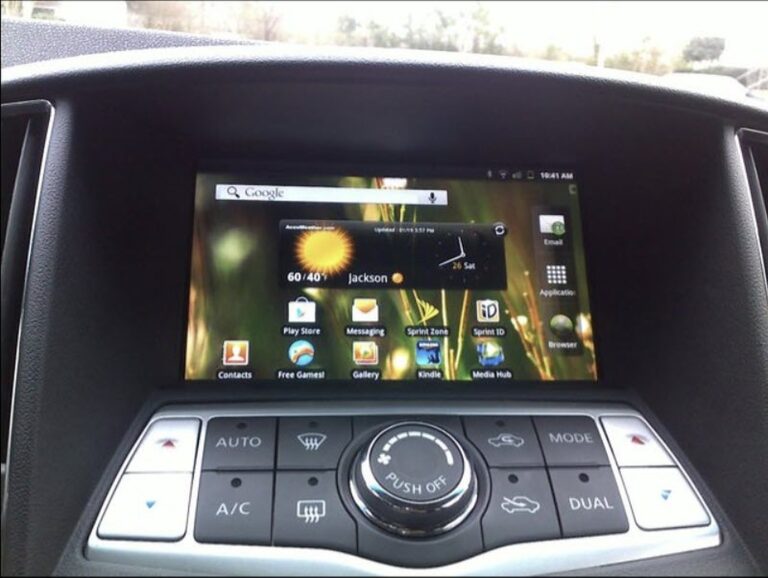
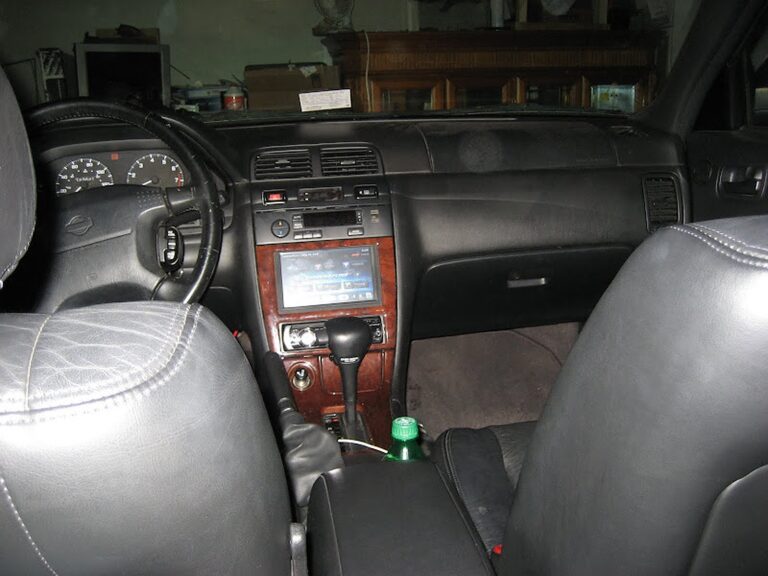
I’ve been wanting to install a carputer on my maxima since a very long time, but I never had the experience or the time/patience to install all the equipment. Finally, starting in mid December, I’ve finished installing my carputer.

I tried to make this as factory finish as possible without fiberglassing. Also, I tried my best to keep everything intact and not create unnecessary holes.

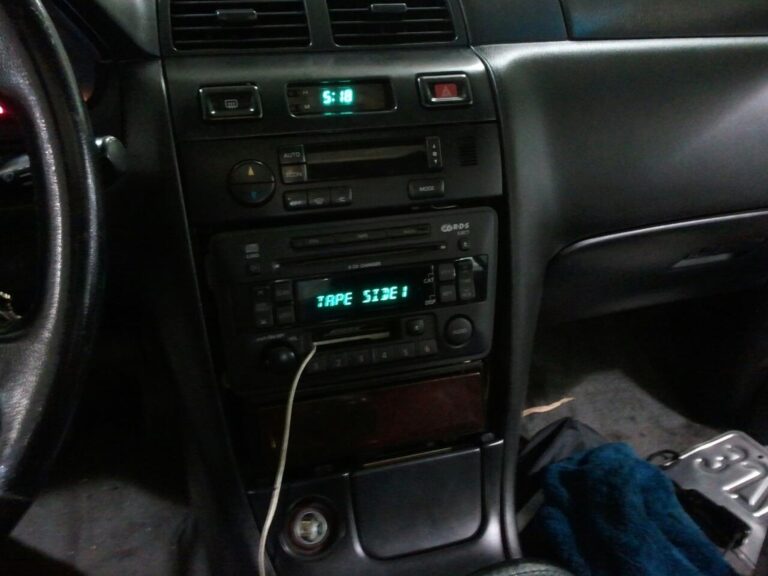
I actually never took a picture before I started this project, but here is the closest picture of the stock picture with the original Bose headunit.

Next, are a few computer setup pictures and also my homebrew shutdown/startup controller for the computer. I’ll post those schematics soon.

SPECS:

  • HP Pavilion DV2020US laptop stripped
  • MSNTV box
  • ELMSCAN Compact OBDII Scanner
  • Garmin USB GPS 20x
  • Bluetooth Adaptor
  • Metra Face plate adaptor
  • 40 GB Hard Drive
  • 2 GB Ram
  • Centrafuse 2.1
  • GMPC Plugin

This next picture is my homebrew startup/shutdown controller. You can see that I used a computer power supply box to put my controller and extra wires inside. It just so happened that that psu fits perfectly and flush with my headunit. The red and black rca cable are connections that I’ve made on the computer that connects to my power switch and laptop lid switch respectively. More information about this schematic will be posted later.

INSTALLATION PICTURES

Here are a few pictures of the install in my car. I decided to put the computer underneath the driver’s side seat. I also pulled the wires through the channel underneath the seat along with the seat warmer and seat belt wires.

This next picture is my obdii connection to the car ecu, followed by gps installation pictures.

Next, my startup/shutdown controller needed someway to determine if the car is on or off. So, luckily I found a telephone acc line that was not being used in the fuse box.

FINISHING UP INSTALLATION

Few Screenshots

CONCLUSION

This project took a while, but I learned that patience is the key. There were a lot of times when I second thought myself if I should continue this project, but I just kept believing in myself. There are still a few small problems that I will fix soon.

PROBLEMS

  • Need better sound card
  • New Bluetooth Device

This laptop is actually equipped with a pretty good sound card, but the headphone jack and spdif connection both have a lot of static noise from the hard drive. This is not a grounding issue, but the motherboard fault. I remember when I used to use this laptop, I could hear the static on my headphones as well. I’ll probably just get a new usb soundcard.

Also, the bluetooth device I have is flaky, it works sometimes and sometimes it doesn’t. I’ll prob just get a new one.

Lastly, but none the least, I’m going to continue improving the functionality of my startup/shutdown controller.

BEFORE

AFTER


Loading