
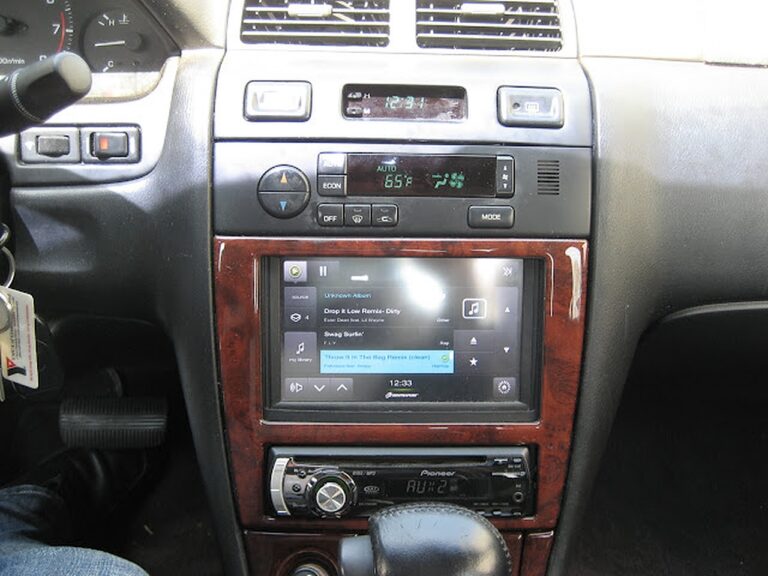
Credit: kasemodz
I decided to upgrade my carpc that I had done last year. If anyone is interested in looking at the old setup, here is the link https://www.my4dsc.com/1997-4thgen-nissan-maxima-with-custom-carpc-installed-part-1/.
Some Problems with the old Setup:
- Too much Power Consumption
- Bugs with home made startup/shutdown controller
- Static Noise heard
- Long USB cables causing signal problems
- Long bootup time
So I got rid of the old setup and had the following new components:
- Intel D410PT MINI ITX Motherboard w/ Fanless 1.6 GHZ Intel Atom Processor
- Corsair 32GB SSD Drive
- TUFF N TINY 4GB Flash Drive
- Nlite Windows Xp Professional SP2
- Custom Plexiglas enclosure designed to fit completely behind the dashboard
- M4-ATX Startup/Shutdown Controller
- OEM Nissan Heated Switch integrated for on/off purposes
- Custom Integrated USB Port in the Ashtray
- I still kept the same devices (like the Garmin GPS, OBDII controller) but I decided to store all my music in a flash drive. Since the software I was using was Centrafuse 3.1, it still did not support ipod capibility with iphones and itouches, I decided that there is no point in storing the music on an ipod.
The old setup

So, now the new stuff, the goal of this project was to:
- Keep the existing OEM look
- Fix all problems from previous setup
- Integrate everything behind the dash
- Keep the new project on a budget.

Next, I wired my OEM Nissan Heated seat warmer switch. I wired it up for use and then used a 2000 grit wet and dry sandpaper to remove the marking off the switch.

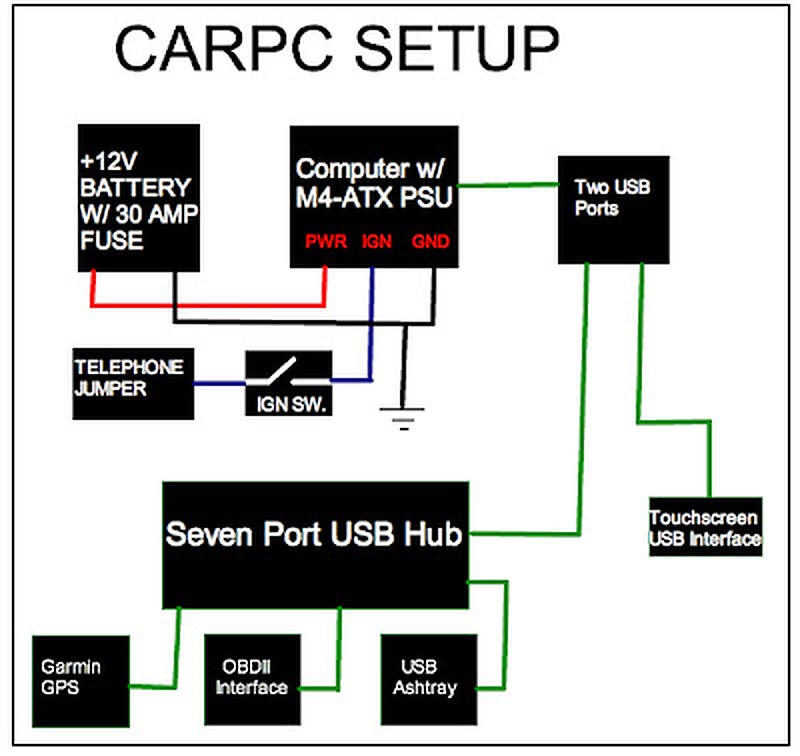
Next, I made my wiring diagram which is shown below.
Installation
Here are some install pictures. Below you will see my plexiglass enclosure. The design came out perfect, I had only a few mm in tolerance around the edges. I also fitted a small fan to blow any heat generated.


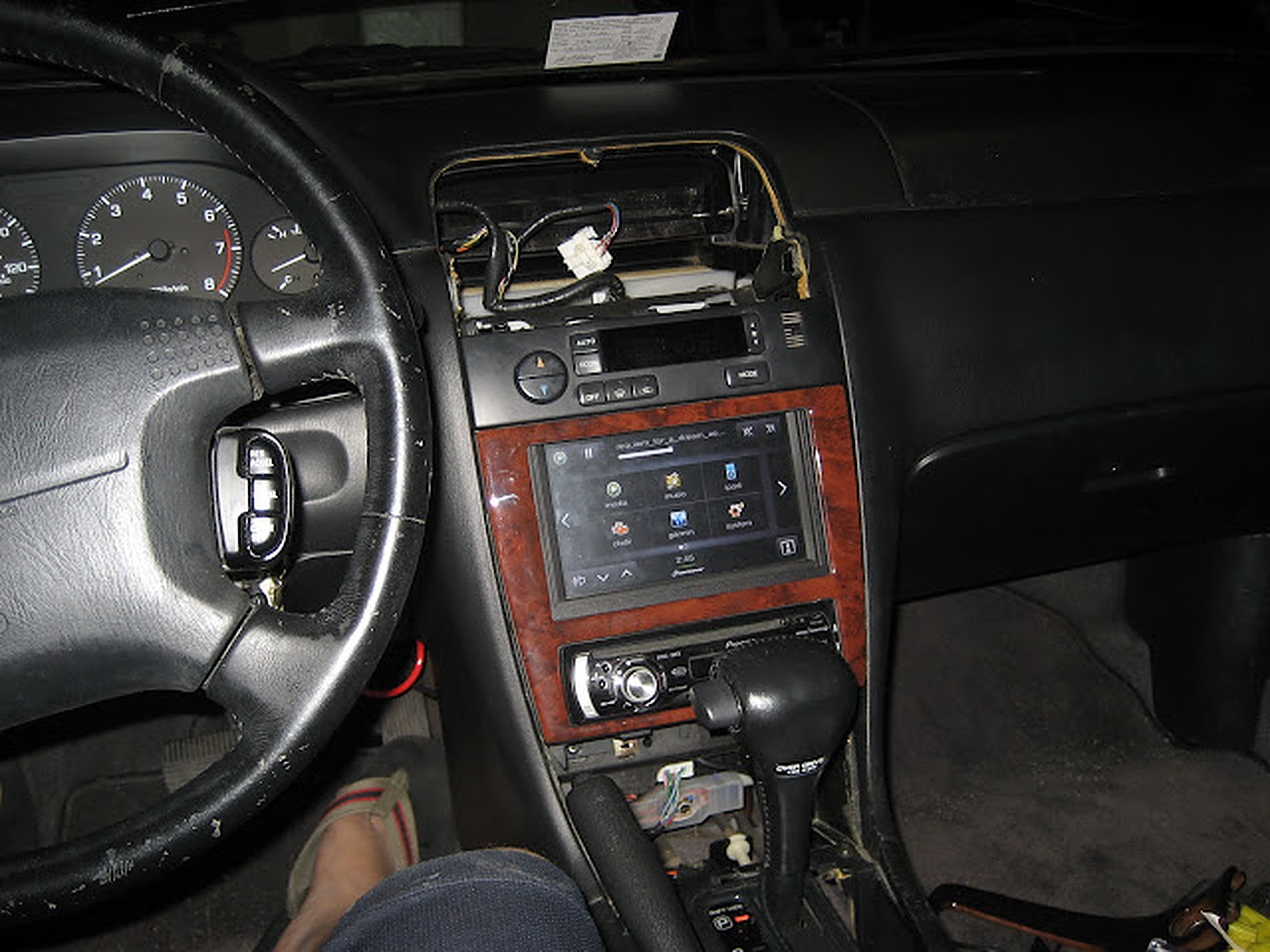
Now doing a test run.


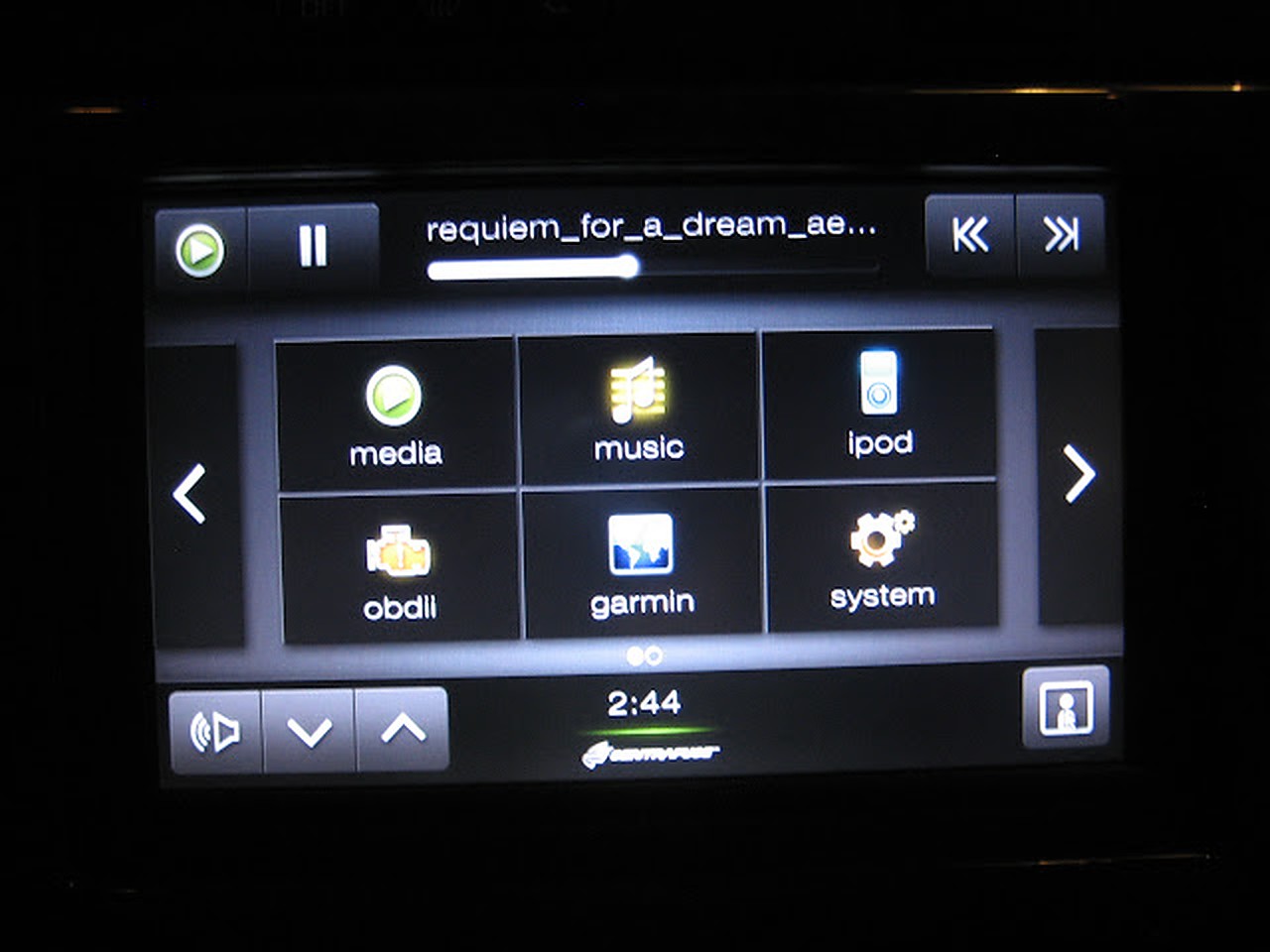
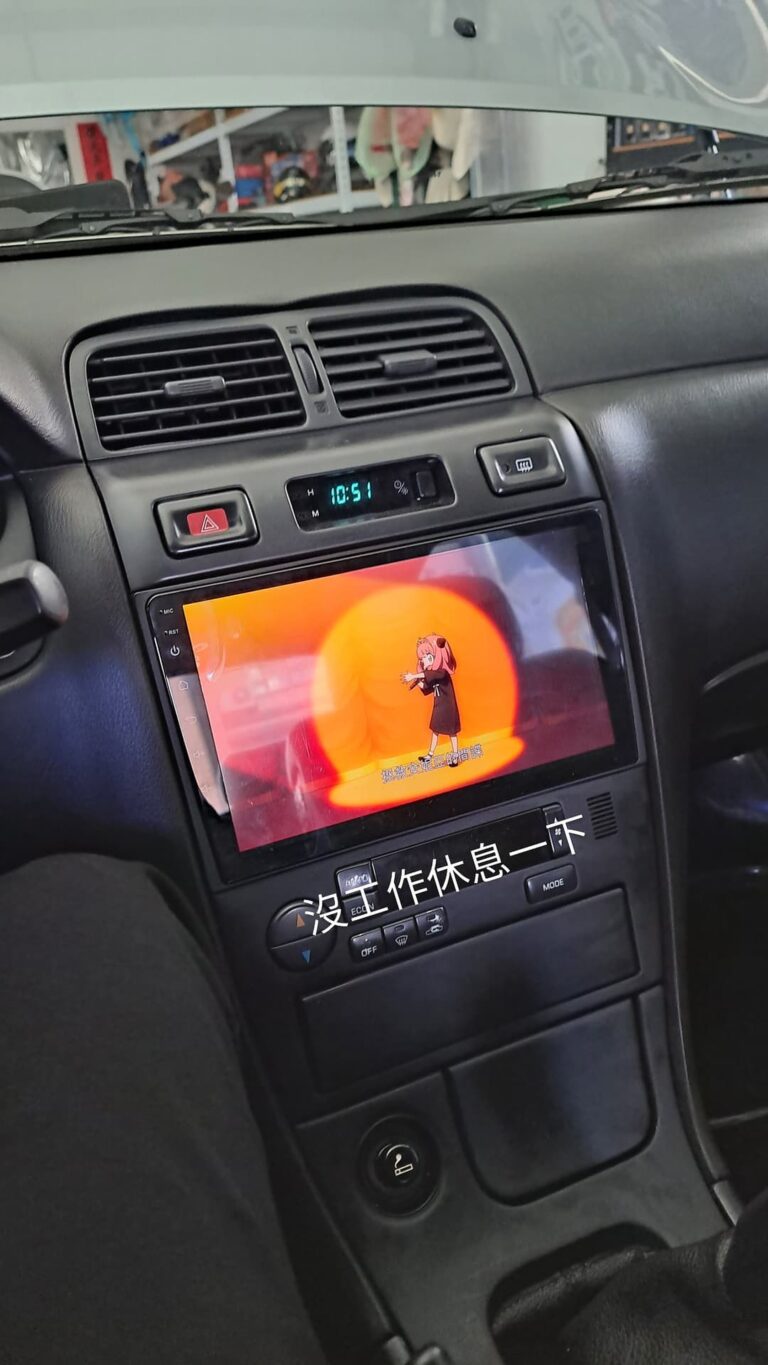
Here is the finished setup with everything working, as you can see the new switch at its location.
My USB port integrated into the ash tray


Finished!


 Reference Stock 4thgen